Discord Chat Exporter
Download
IPHONE · ANDROID · MAC · WINDOWS

Export all your Discord messages
in one click.

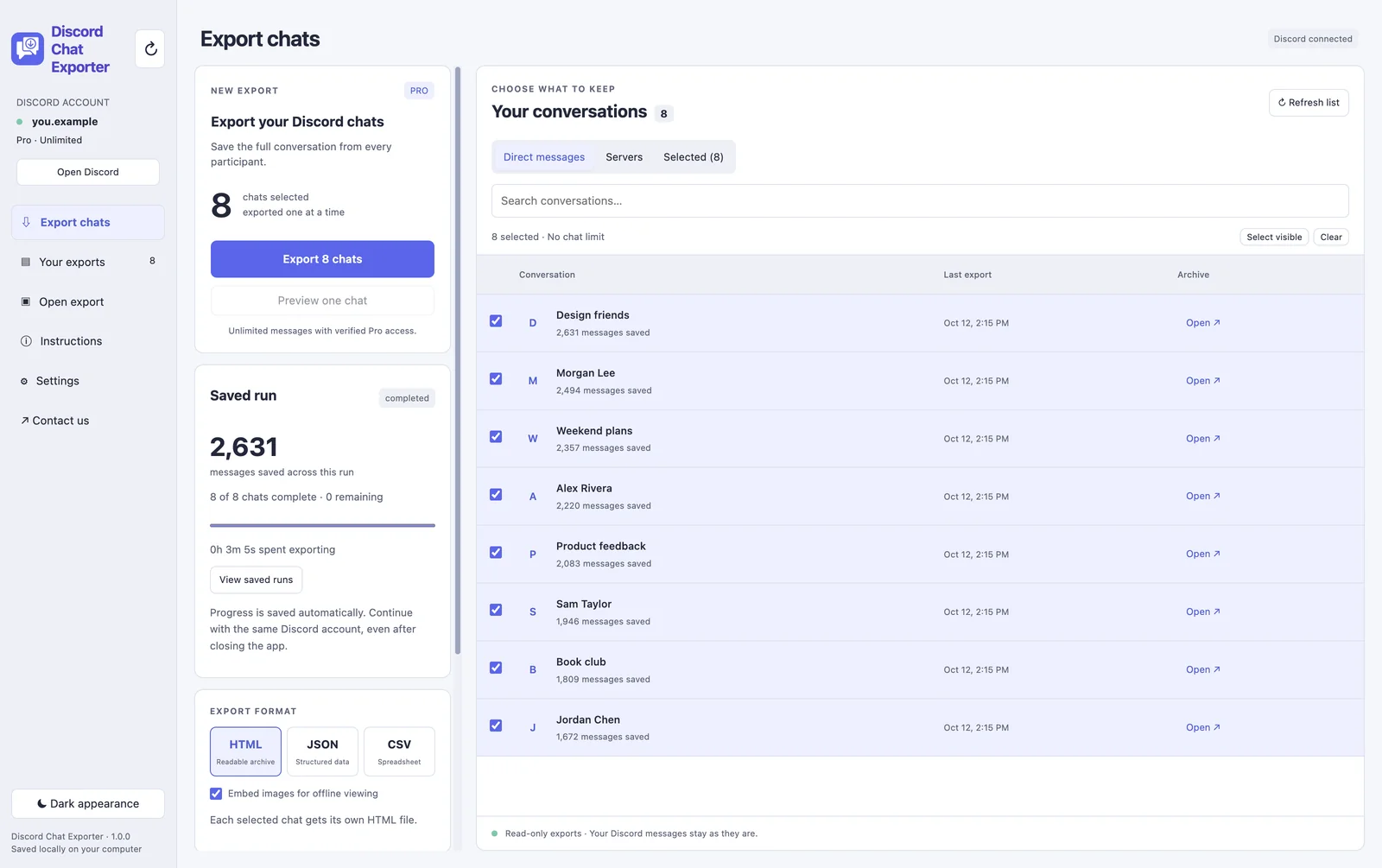
Discord Chat Exporter saves your Discord DMs, group chats, and channels, every message from every person, to HTML, JSON, or CSV. Images and embeds are included, so your copy looks just like Discord.

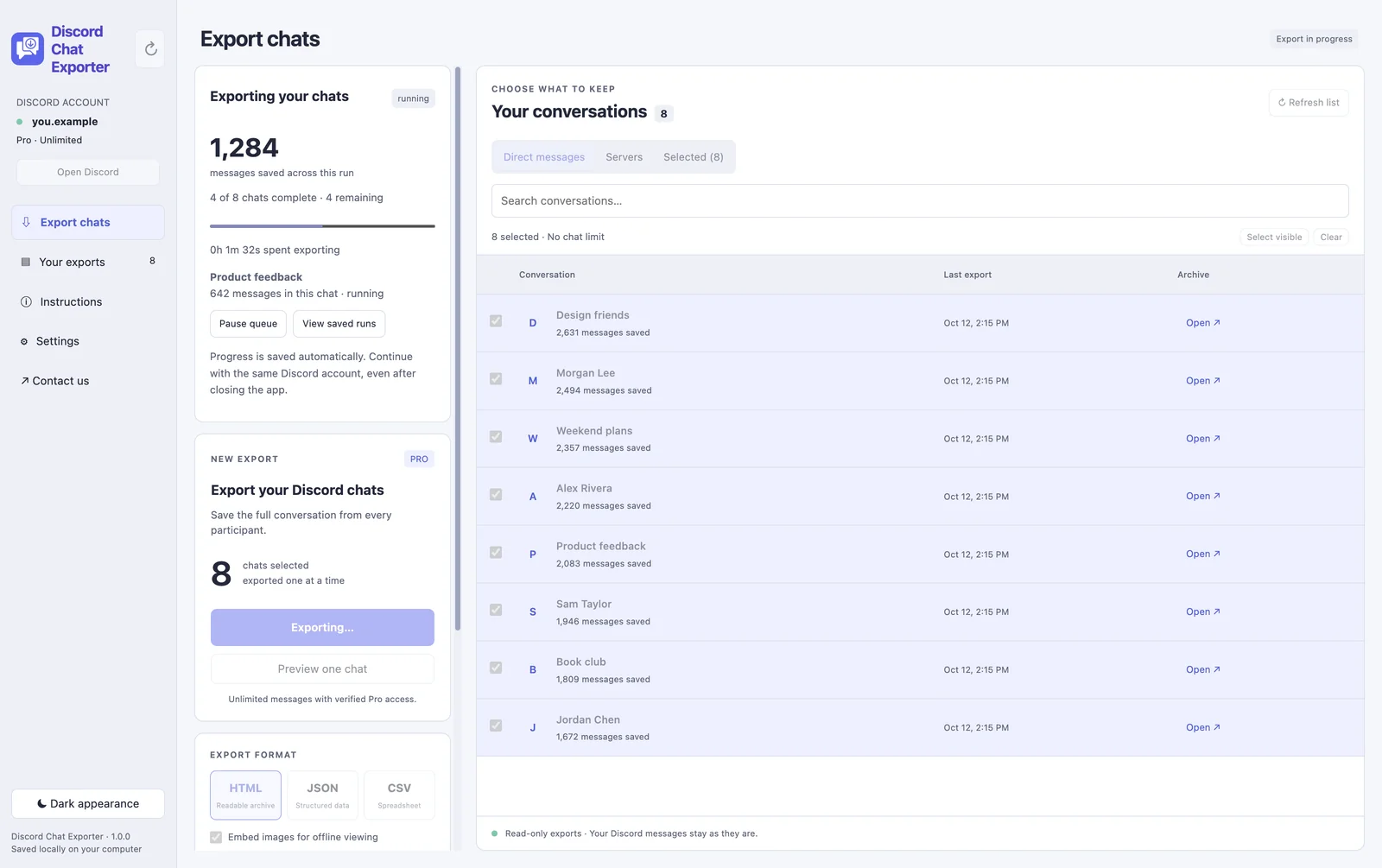
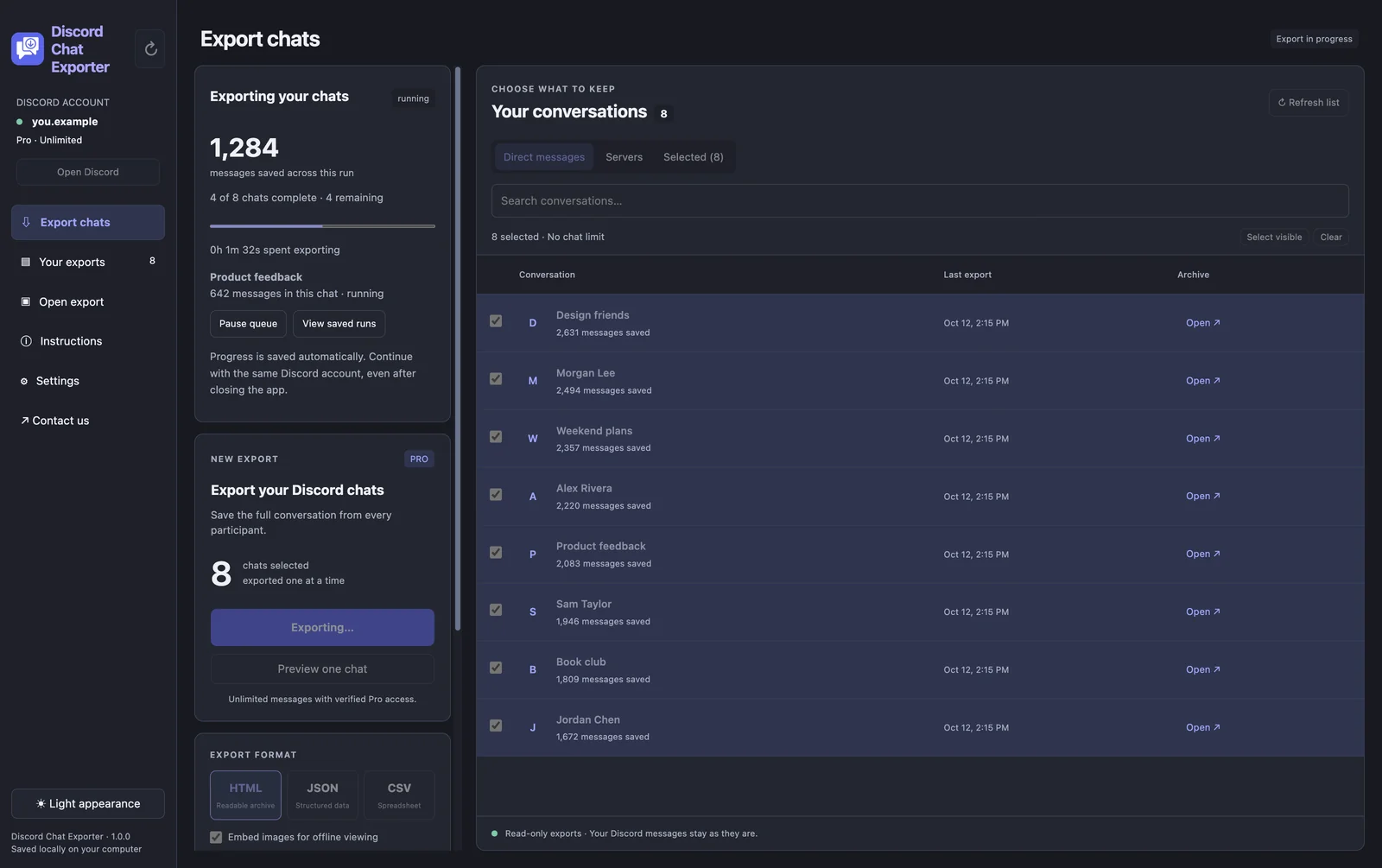
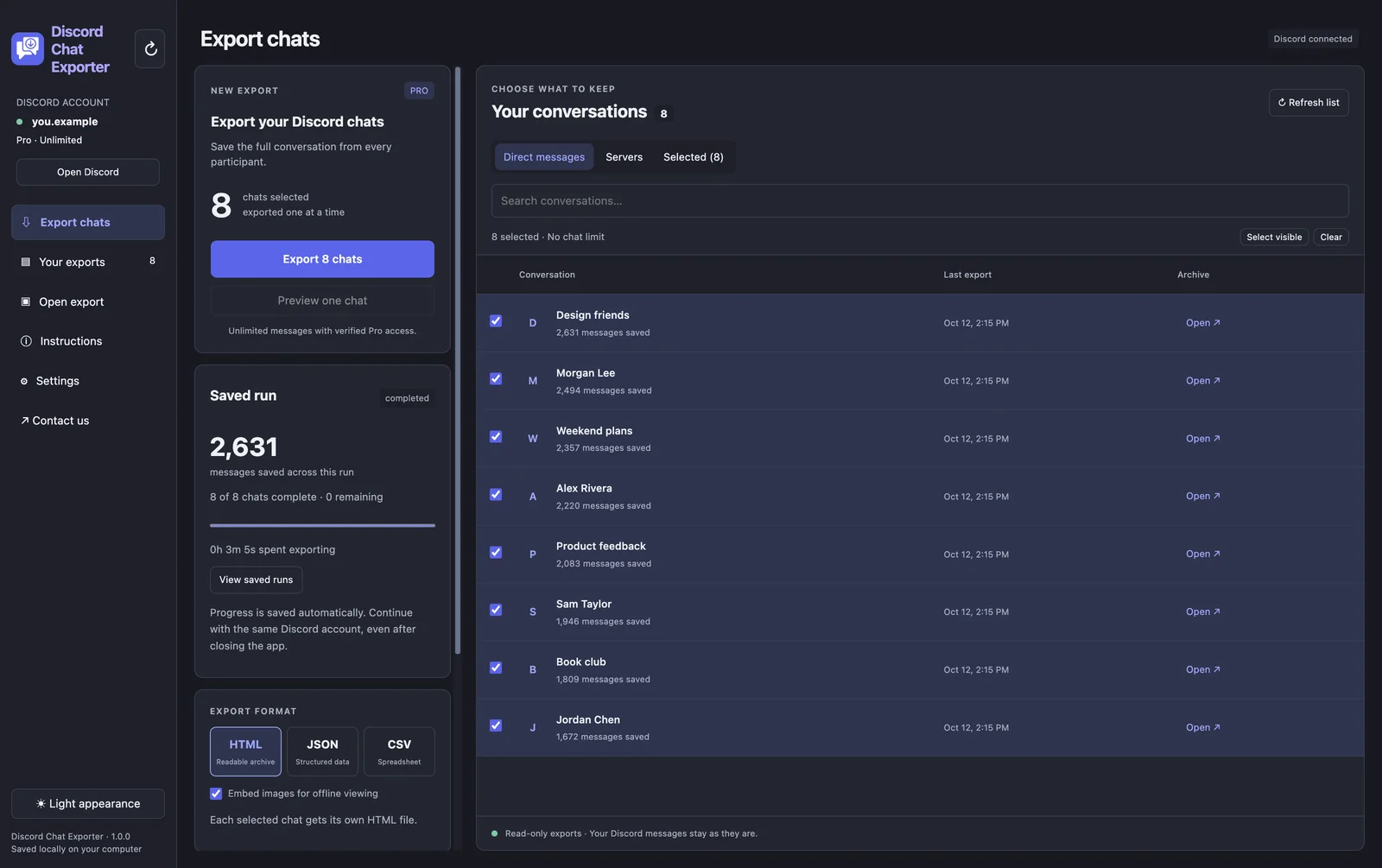
Discord Chat Exporter Desktop exporting a channelDiscord Chat Exporter Desktop exporting a channel
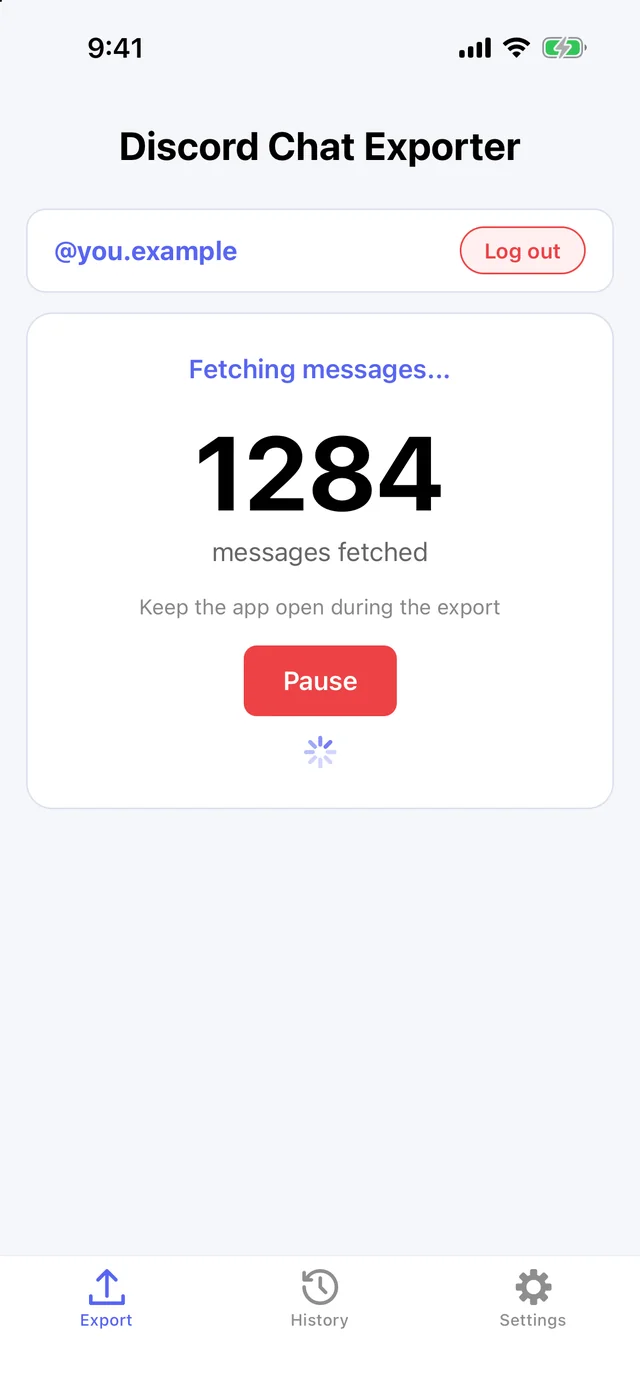
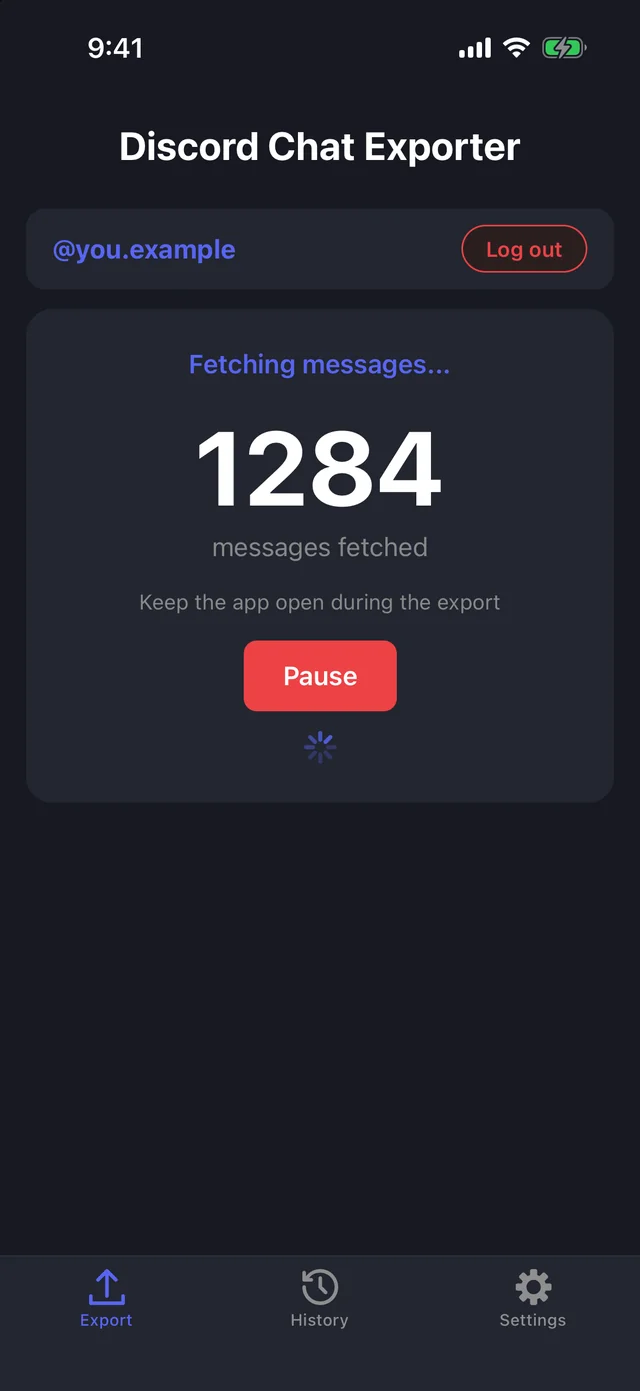
Discord Chat Exporter on iPhone exporting a chatDiscord Chat Exporter on iPhone exporting a chat

Discord Chat Exporter Desktop and iPhone · Example data

HOW IT WORKS

Save a Discord conversation in three steps.

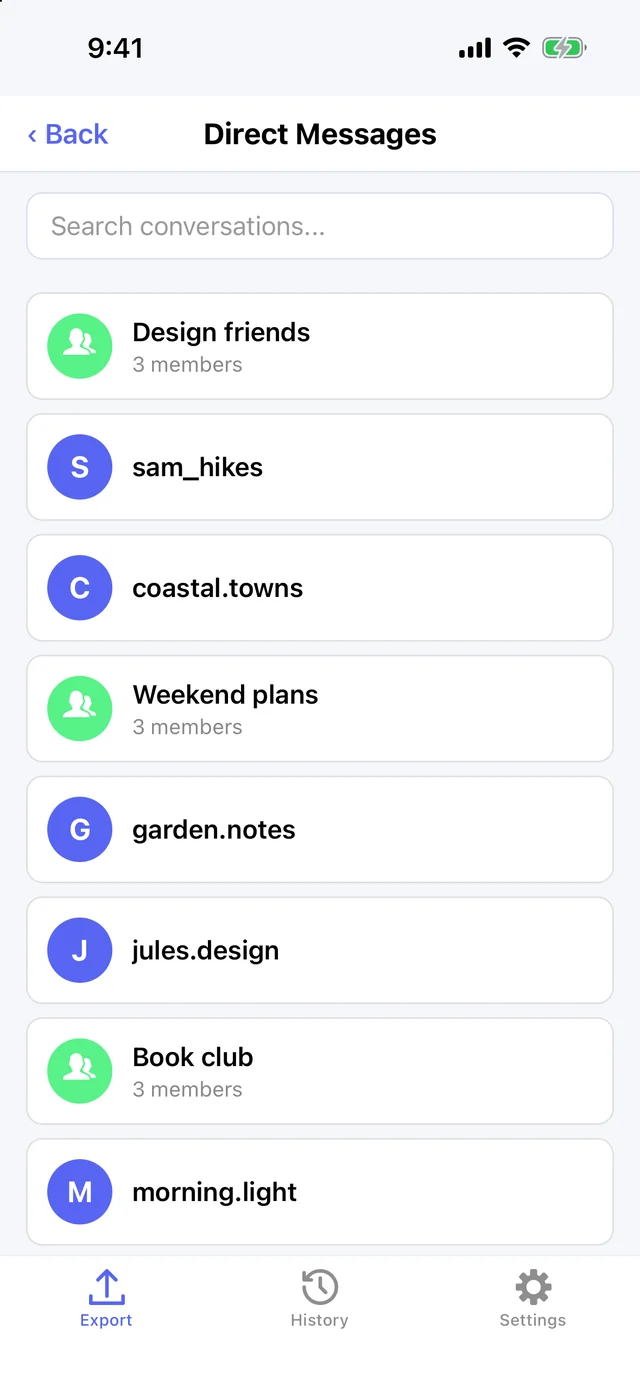
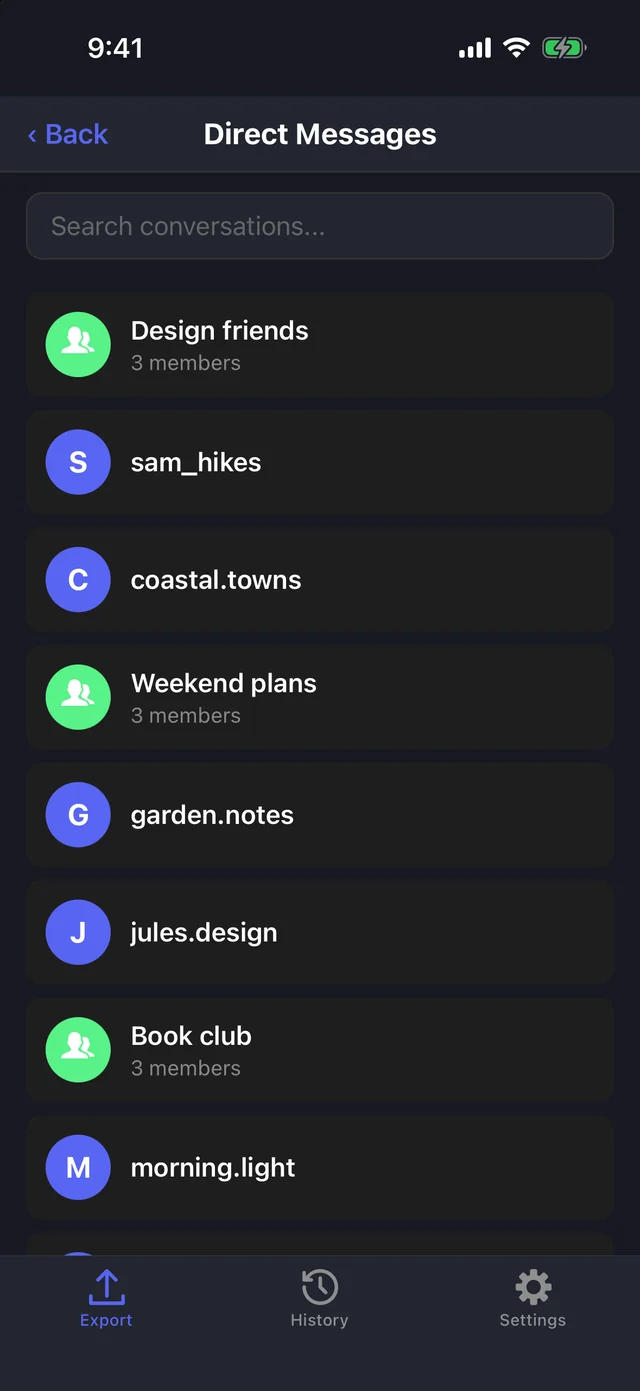
Choosing a Discord chat to exportChoosing a Discord chat to export
01

Pick a chat

Choose a DM, group chat, or server channel.

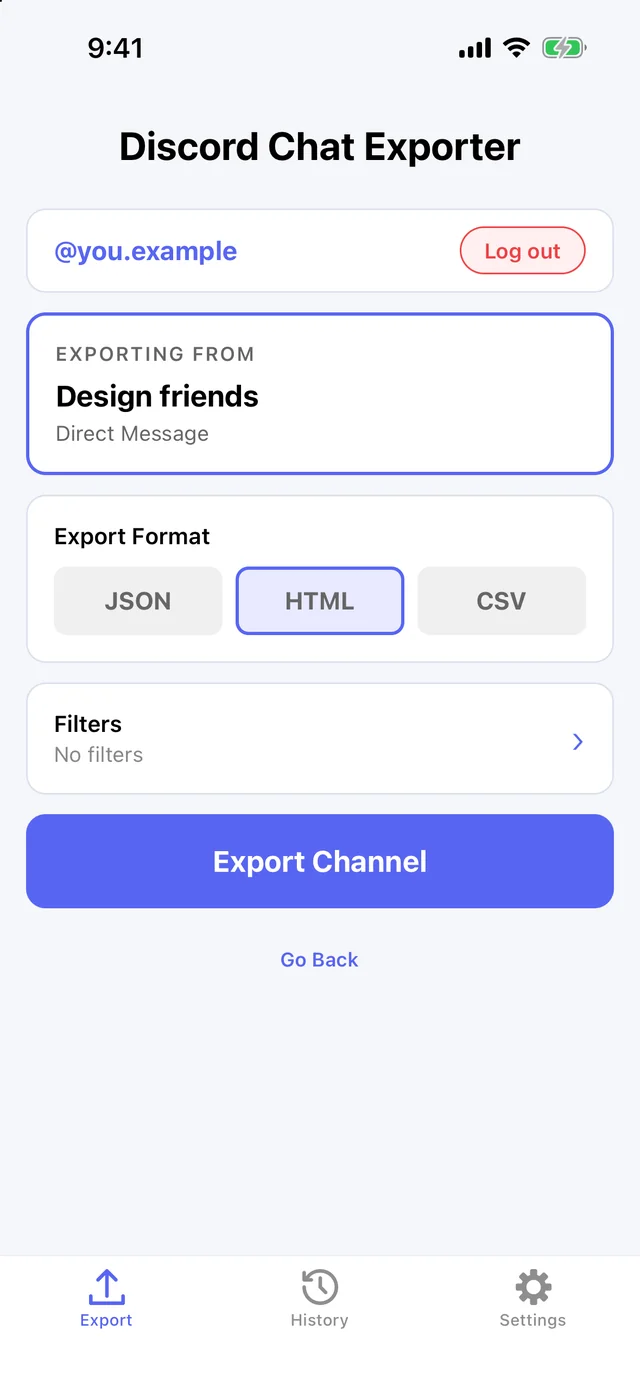
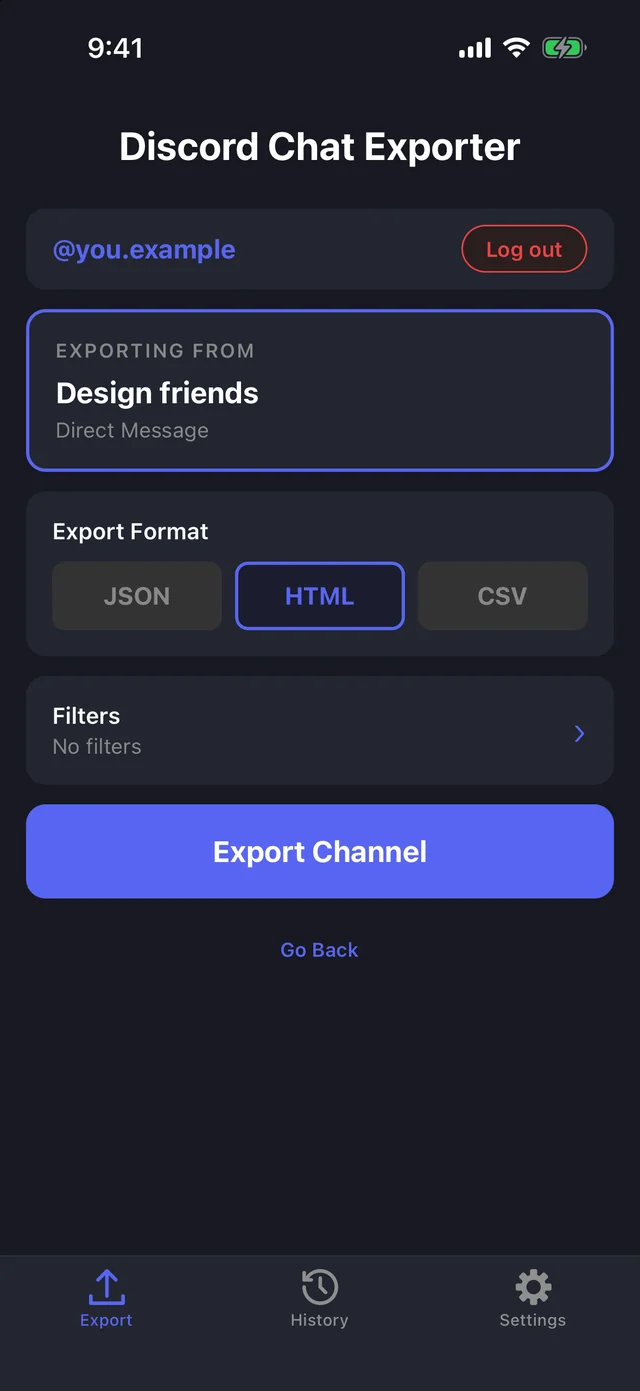
Choosing an export formatChoosing an export format
02

Choose a format

HTML, JSON, or CSV, with optional date and keyword filters.
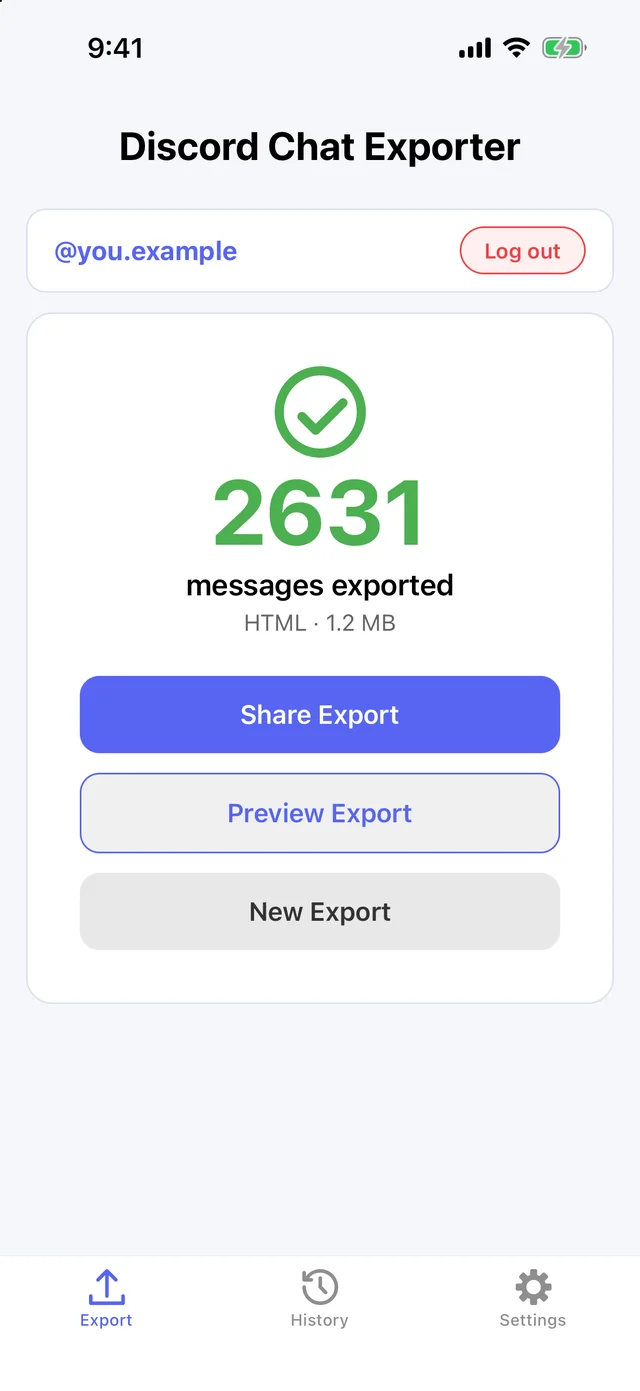
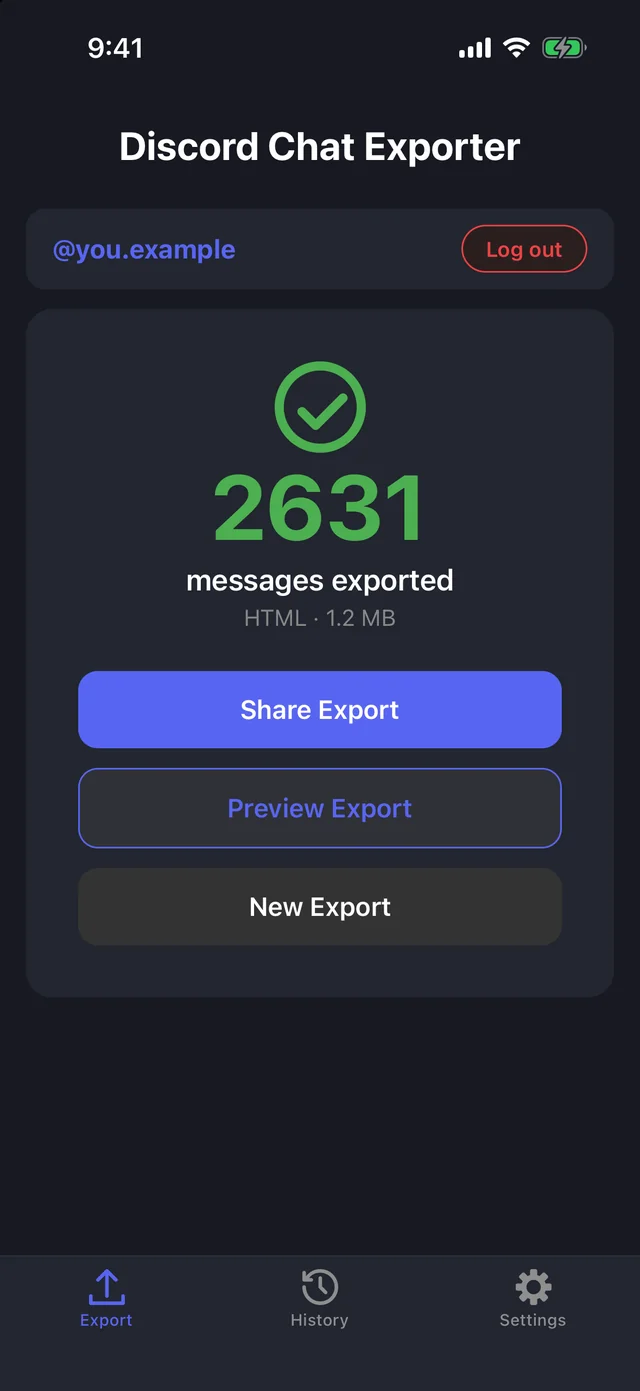
A finished Discord chat exportA finished Discord chat export
03

Export

Every message, image, and embed is saved to a file on your device.
MOBILE & DESKTOP

Use Discord Chat Exporter on your phone or your computer.

Discord Chat Exporter on iPhoneDiscord Chat Exporter on iPhone
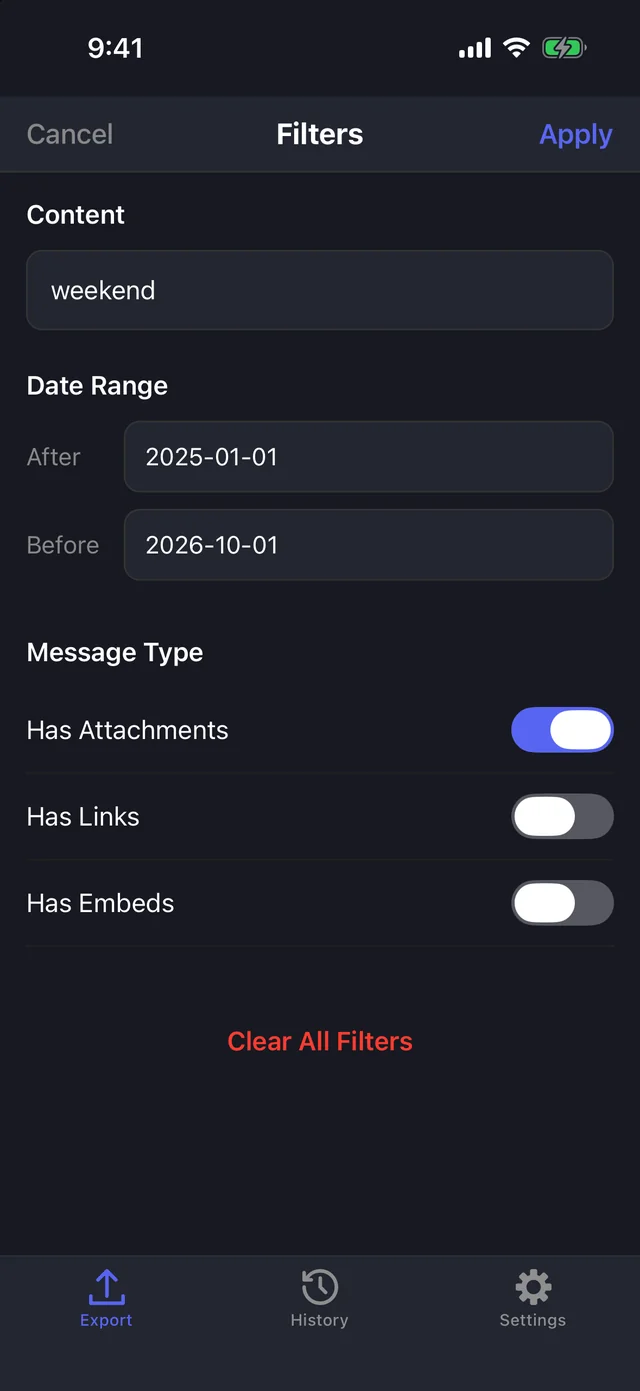
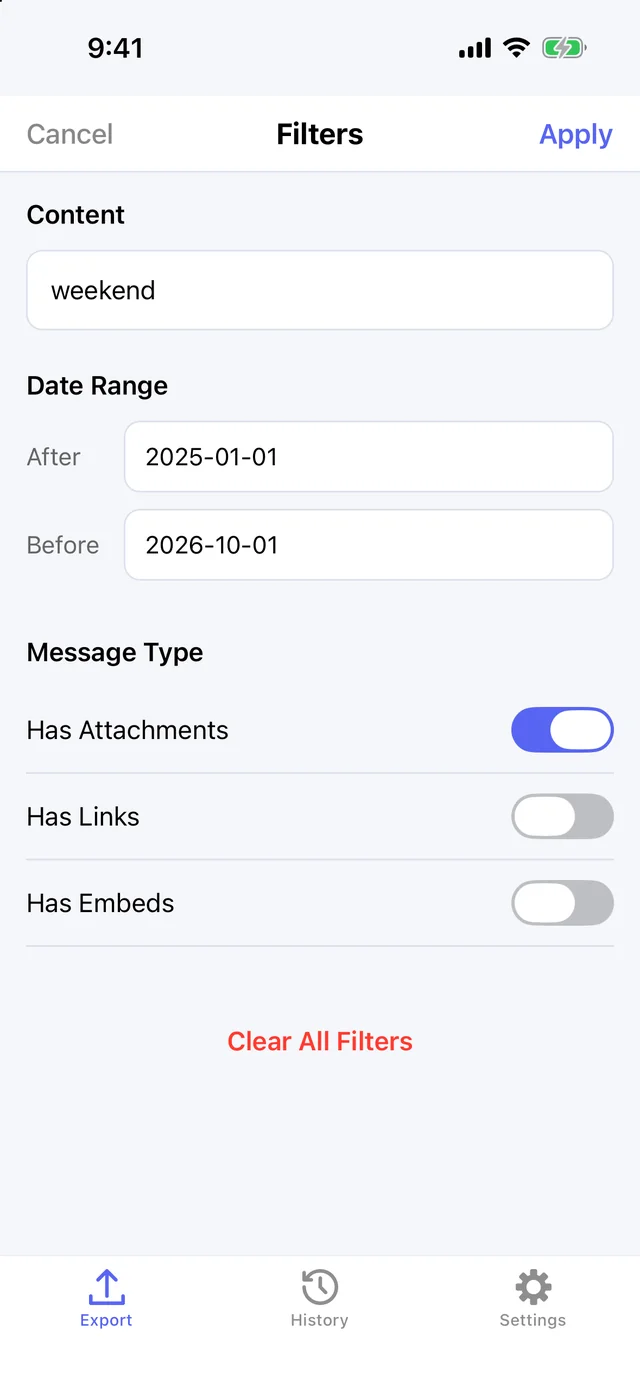
Discord Chat Exporter filters on iPhoneDiscord Chat Exporter filters on iPhone

Discord Chat Exporter for iPhone & Android

Export any chat from your phone.

  • DMs, group chats, and channels
  • HTML, JSON, or CSV
  • Date, keyword, and media filters
  • Images and avatars downloaded
Discord Chat Exporter Desktop after an exportDiscord Chat Exporter Desktop after an export

Discord Chat Exporter for Mac & Windows

Export everything at once.

  • Export all your chats in one click
  • DMs, group chats, and channels
  • HTML, JSON, or CSV
  • Date, keyword, and media filters
  • Images and avatars downloaded
ONE CLICK

Export all your chats
in one click.

On Mac and Windows, Discord Chat Exporter exports every DM, group chat, and channel at once, both sides of every conversation, from the first message to the last. On your phone, export any chat you choose.

Discord Chat Exporter Desktop exportingDiscord Chat Exporter Desktop exporting
Discord Chat Exporter on iPhone exportingDiscord Chat Exporter on iPhone exporting

Desktop and iPhone · Example data

FORMATS & FILTERS

Export to HTML,
JSON, or CSV.

HTML looks just like Discord, with avatars and images downloaded too. JSON and CSV are ready for scripts and spreadsheets. Filter by date, keyword, or messages with attachments, links, or embeds.
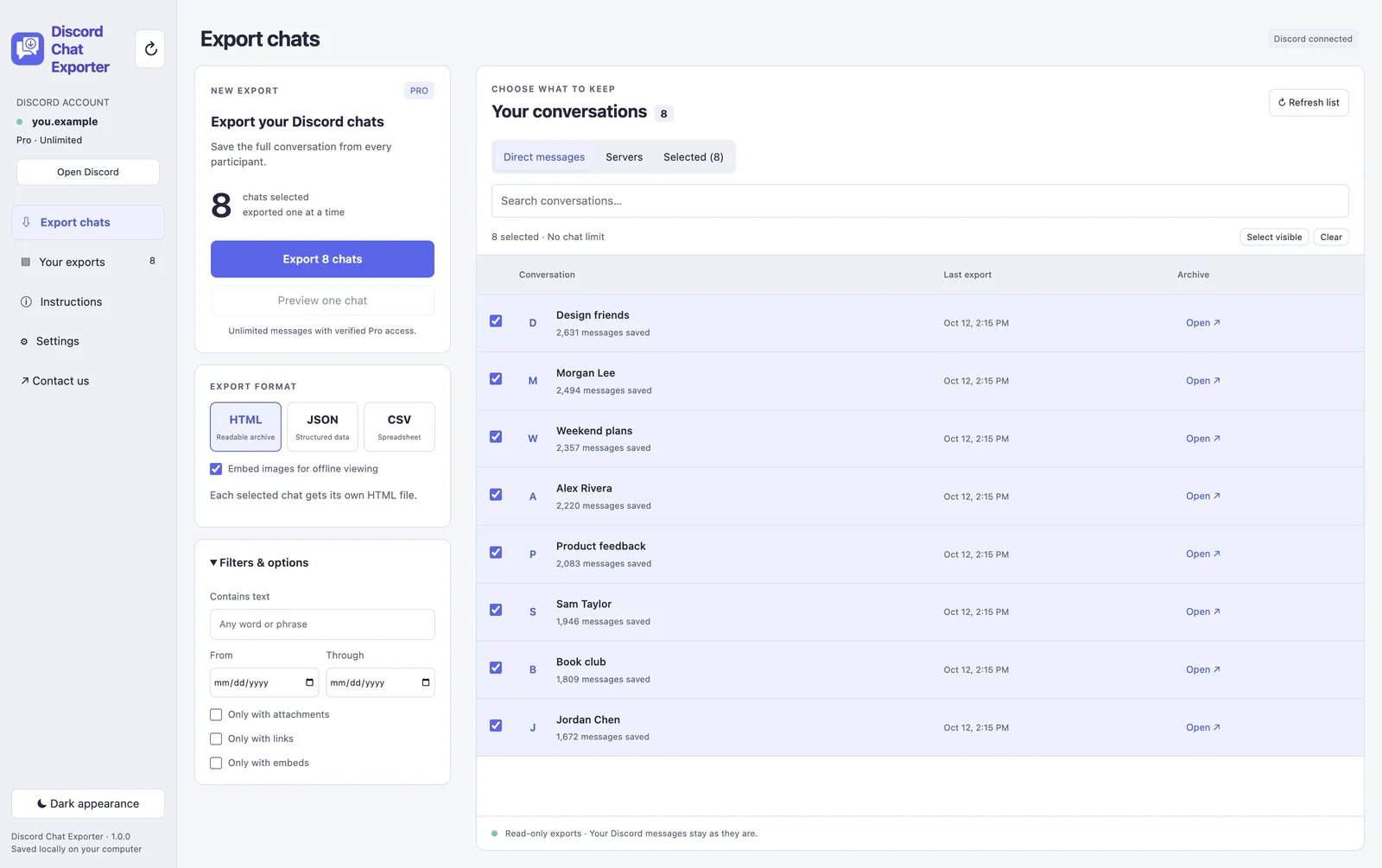
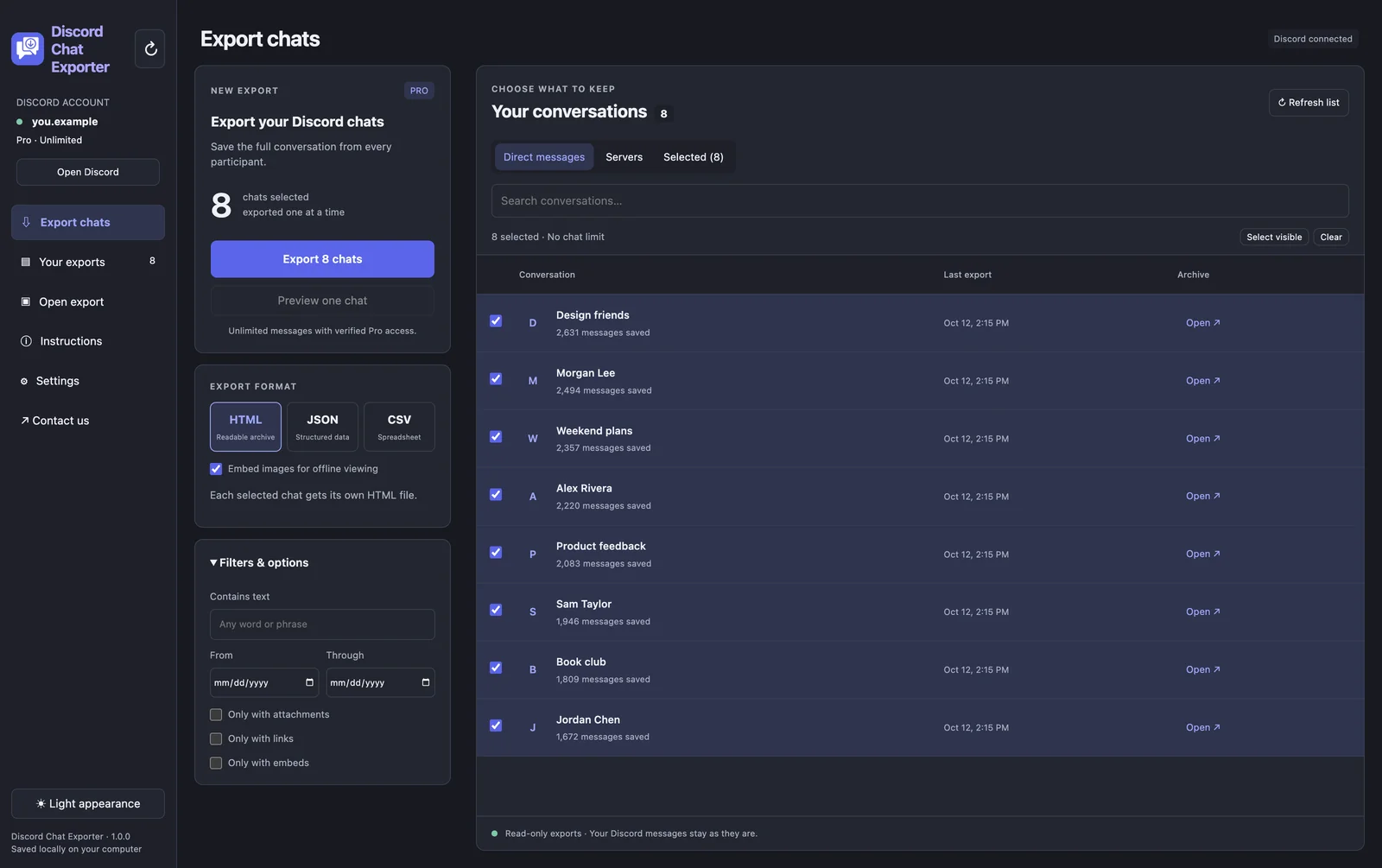
Discord Chat Exporter Desktop export optionsDiscord Chat Exporter Desktop export options
Discord Chat Exporter on iPhone with filtersDiscord Chat Exporter on iPhone with filters

Formats and filters on desktop and iPhone · Example data

LOOKS LIKE DISCORD

Your export looks
just like Discord.

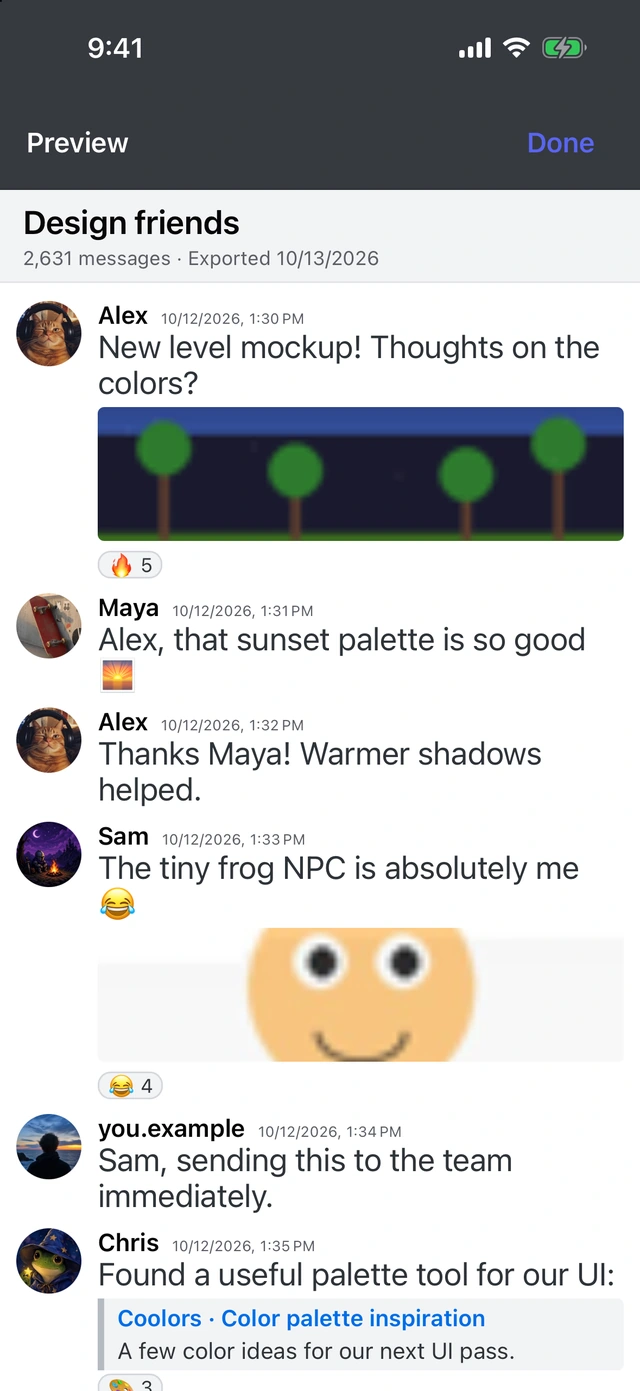
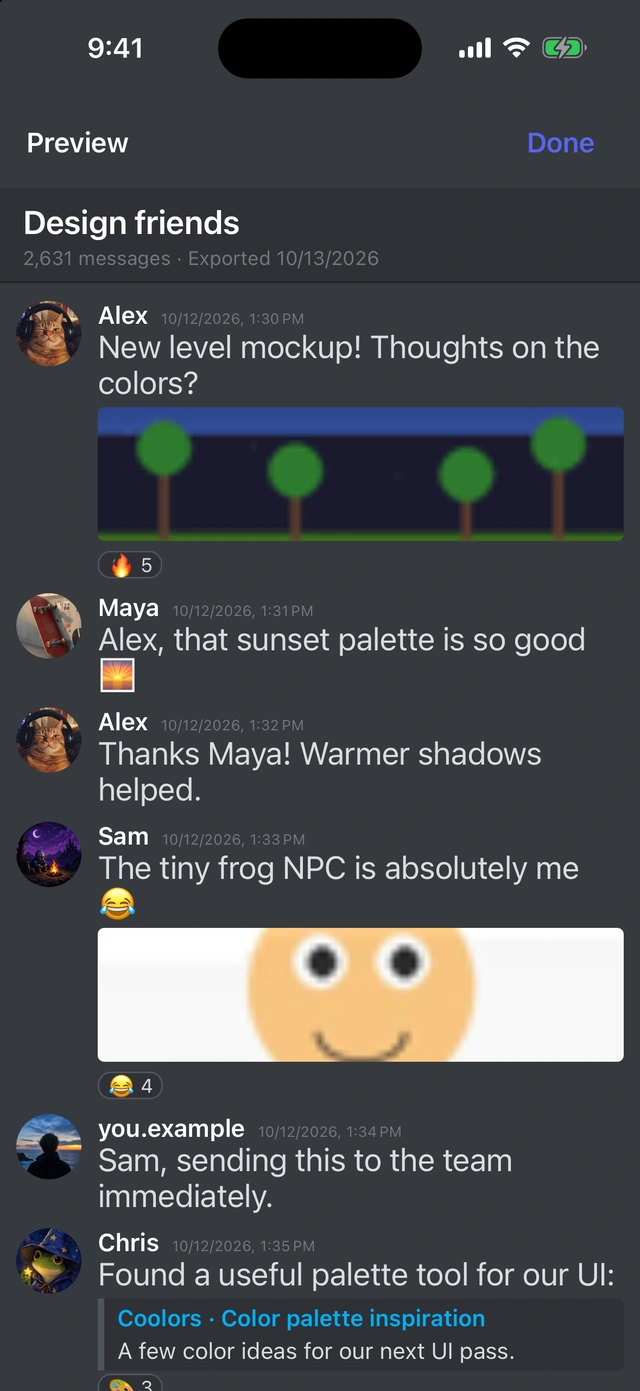
Open an HTML export in any browser, even offline, and it looks like the original chat: names, avatars, images, link previews, and reactions. Preview it right in the app on your phone or computer.
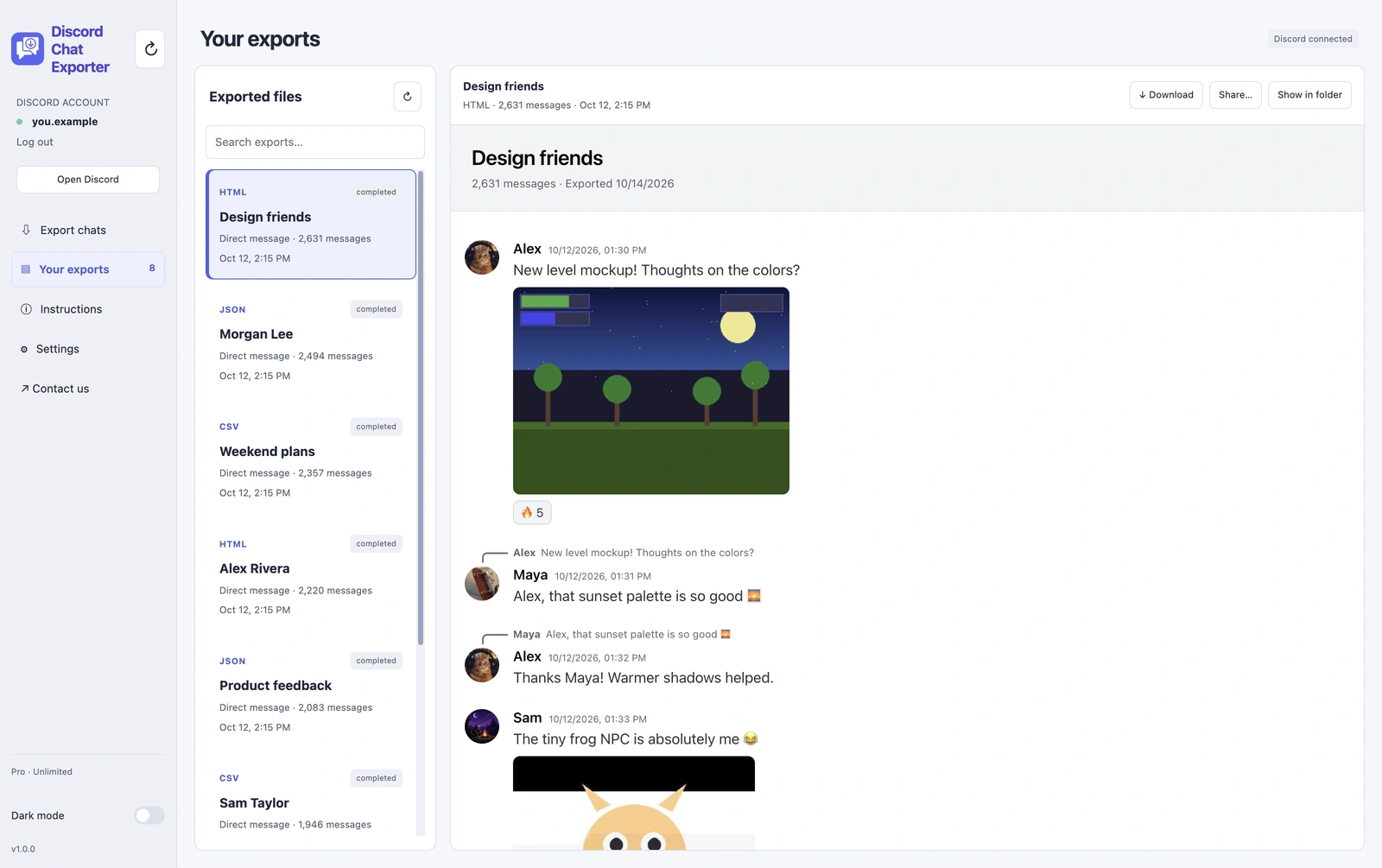
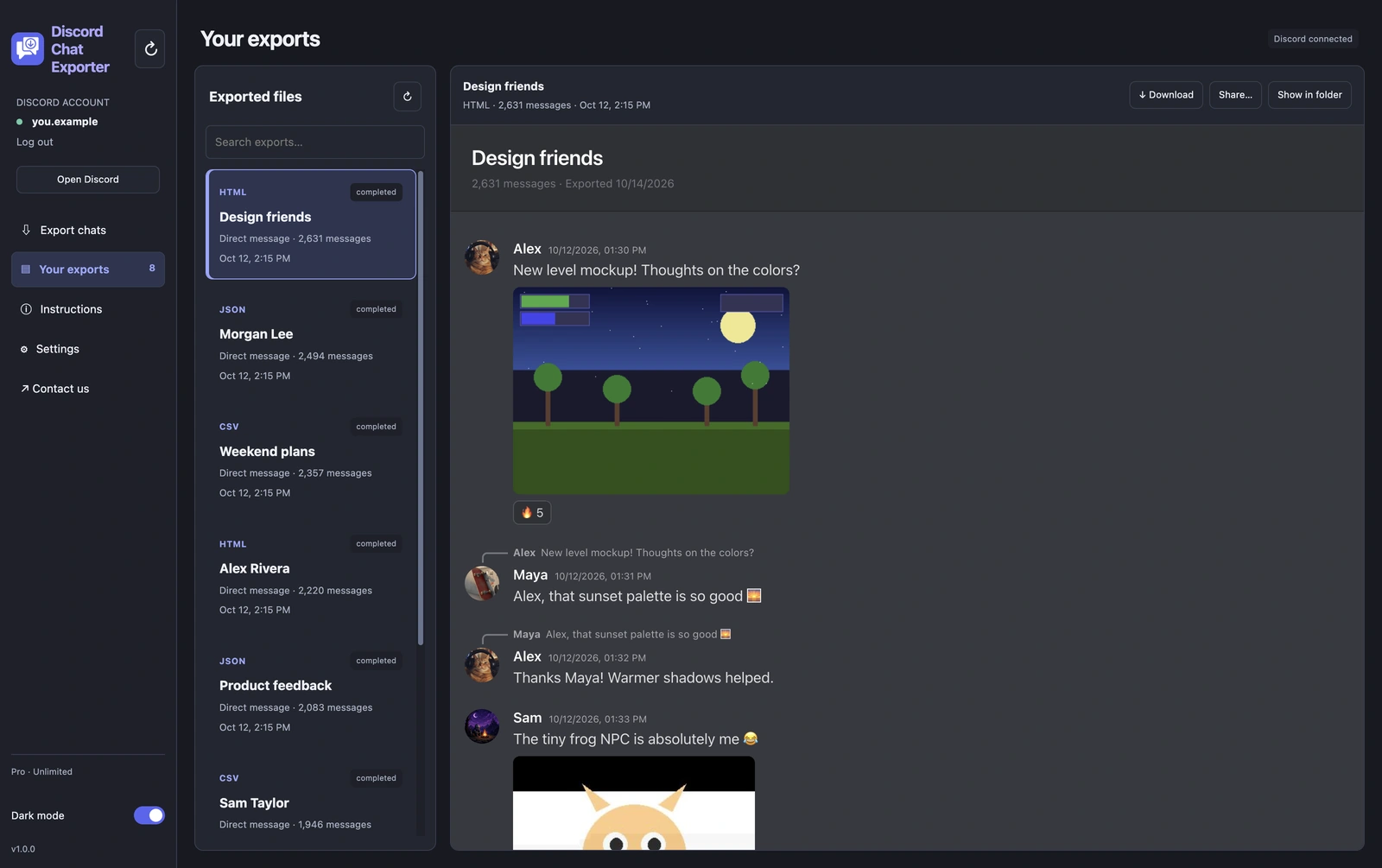
An exported Discord chat open in the Discord Chat Exporter viewerAn exported Discord chat open in the Discord Chat Exporter viewer
Previewing an export on iPhonePreviewing an export on iPhone

An HTML export on desktop and iPhone · Example data

HISTORY

Find any
past export.

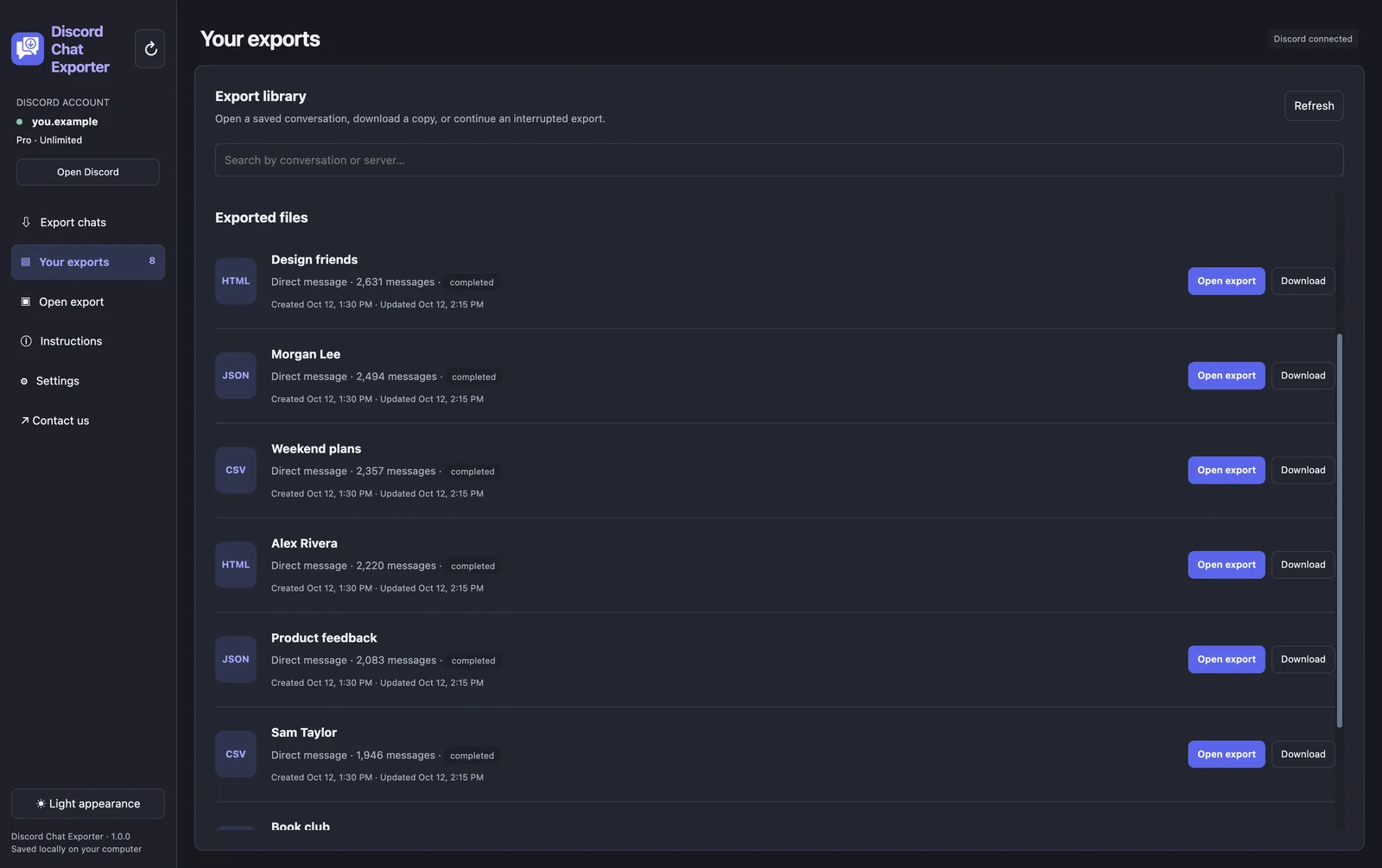
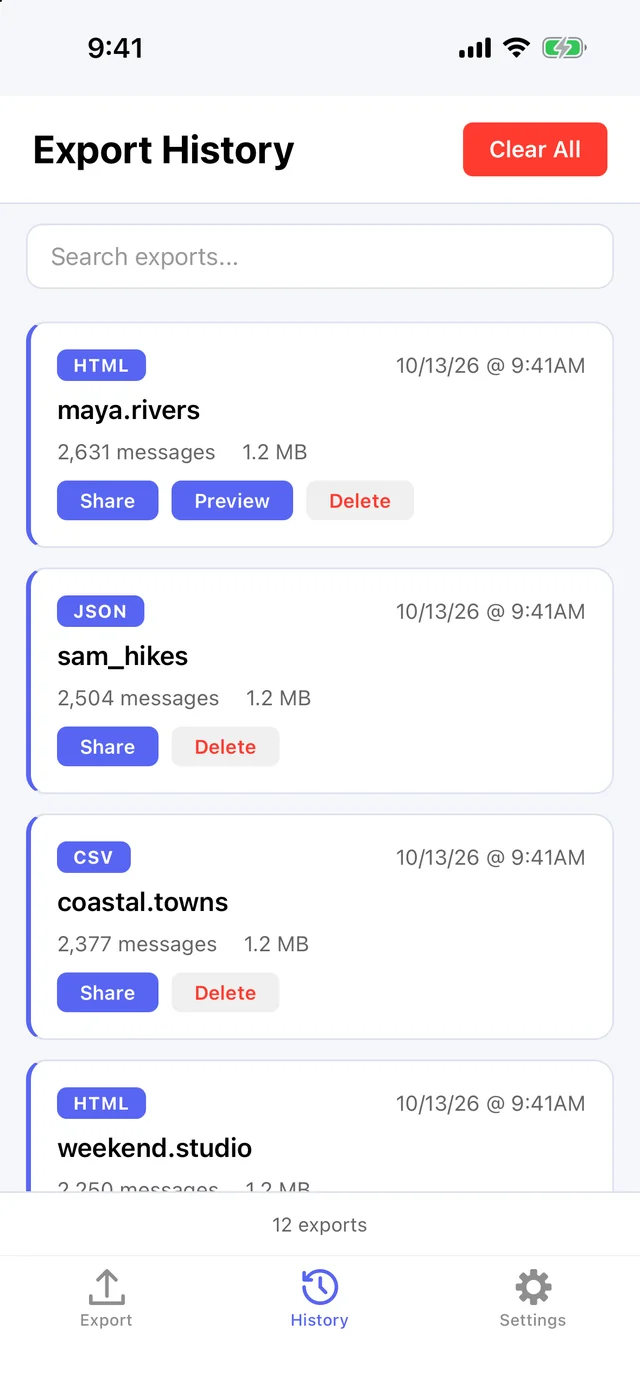
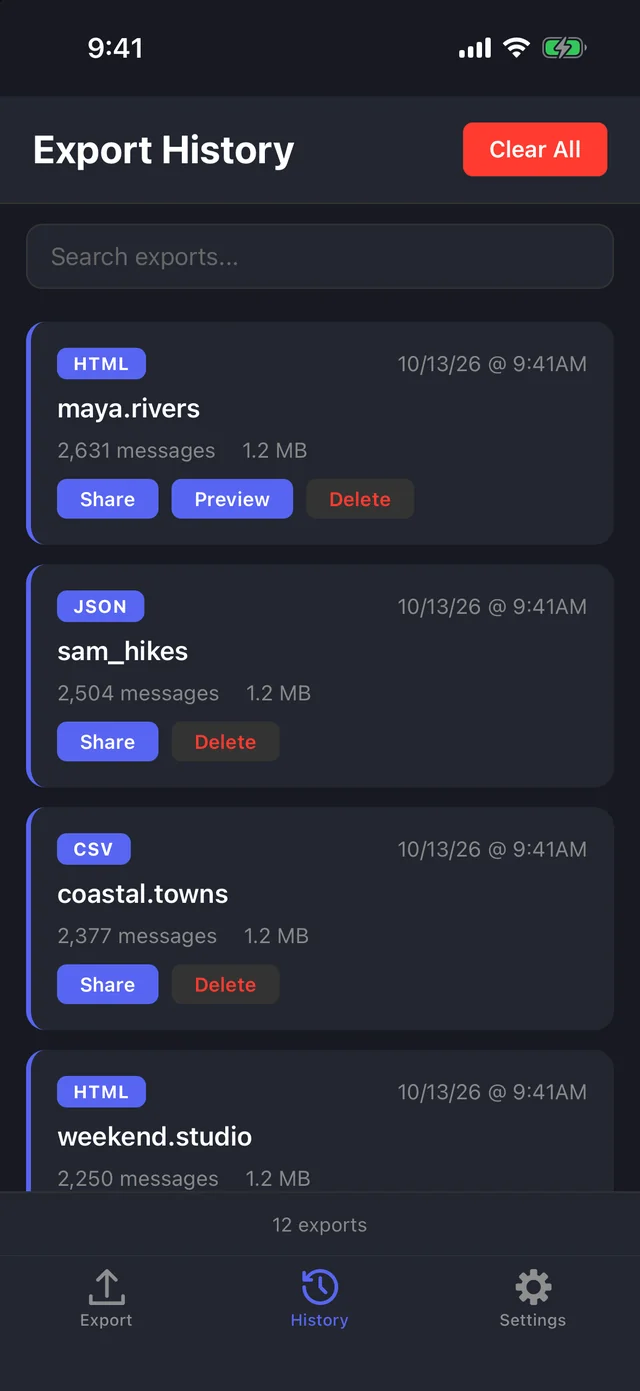
Every chat you export is saved in your export history, so you can open or share it again later.
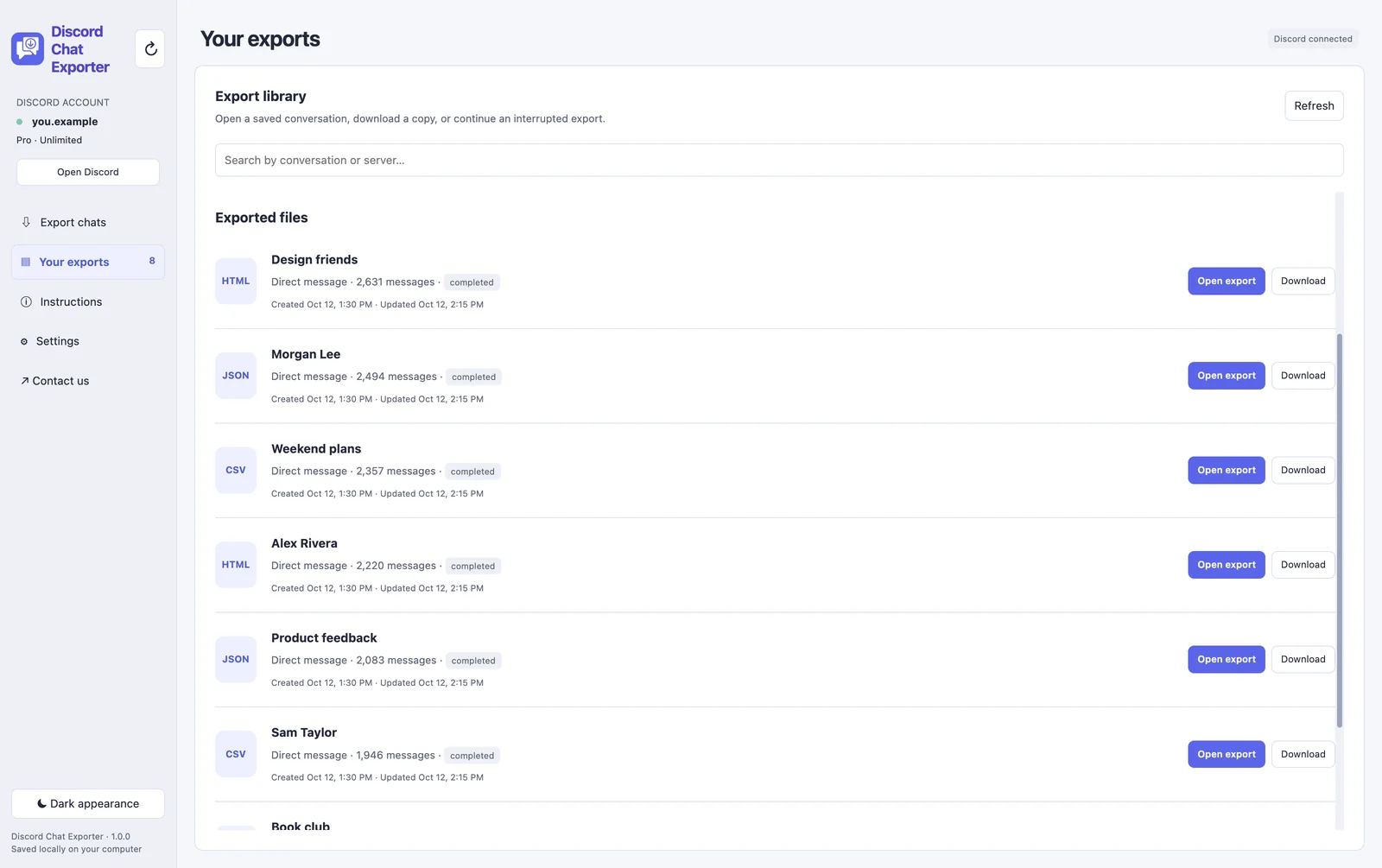
Discord Chat Exporter Desktop export historyDiscord Chat Exporter Desktop export history
Discord Chat Exporter on iPhone export historyDiscord Chat Exporter on iPhone export history

Export history on desktop and iPhone · Example data

MONTHLY SUBSCRIPTION

Discord Chat Exporter Desktop

The desktop version is best for big servers and long histories. Export all your chats in one click on your Mac or Windows PC.

Pro

$20/ month

Cancel anytime

Buy Pro
  • Export all your chats in one click
  • DMs, group chats, and server channels
  • HTML, JSON, or CSV
  • Date, keyword, and media filters
  • Images and avatars downloaded, works offline
  • Pause and resume, even after closing the app
  • Built-in viewer for your exports
  • Supports macOS and Windows

Billed monthly until canceled. Your license key arrives by email after checkout.

GUIDES

Discord export guides

See all guides →

FAQ

Need help?

Contact support ↗
Read the full guide →
How do I export my Discord chats?

Discord has no export button. Discord Chat Exporter exports your DMs, group chats, and channels to HTML, JSON, or CSV, and on Mac and Windows it exports all of them in one click. Read the full guide.

Does it include everyone’s messages?

Yes. Every message from every person in the chat, not just yours.

Are images included?

Yes. HTML exports download avatars and image attachments too, so the file works offline.

Can I export only part of a chat?

Yes. Filter by date range, keyword, or messages with attachments, links, or embeds.

Does anyone know I exported a chat?

No. Exporting only reads messages. Nothing is posted, changed, or deleted.

Can I see deleted messages?

No tool can show messages deleted before you exported. Exporting keeps a copy going forward. More on deleted messages.

Is Discord Chat Exporter free?

Discord Chat Exporter is free to download on iPhone and Android. Discord Chat Exporter Desktop for Mac and Windows is $20 a month.