 Discord Chat Exporter
No. Once a Discord message is deleted, it’s gone from Discord for everyone, and there’s no recycle bin or recovery option. Below is what moderators, bots, and your data package can and can’t show, and how to keep a copy of messages you care about.
In this guide
What happens when a message is deleted
The message disappears for everyone in the chat. Discord doesn’t show a “message deleted” placeholder, and there’s no way to restore it from the app.
What server moderators can see
A server’s Audit Log shows when a moderator deleted someone else’s message and in which channel, but not what the message said. Deletions people make of their own messages don’t appear there.
Logging bots
Some servers add moderation bots that log deleted messages into a private channel. That only works for messages sent after the bot was added, in servers where it’s installed. It never covers DMs.
Message logger mods and “spy” apps
Client mods with a “message logger” plugin, and apps that promise to show deleted messages, break Discord’s terms or ask for your login. They can get your account banned or stolen. They also only capture messages while running, never anything deleted before.
Your data package
Discord’s data download includes messages you sent that still exist. Deleted messages aren’t included. See what’s in your Discord data package.
The only reliable way: keep your own copy
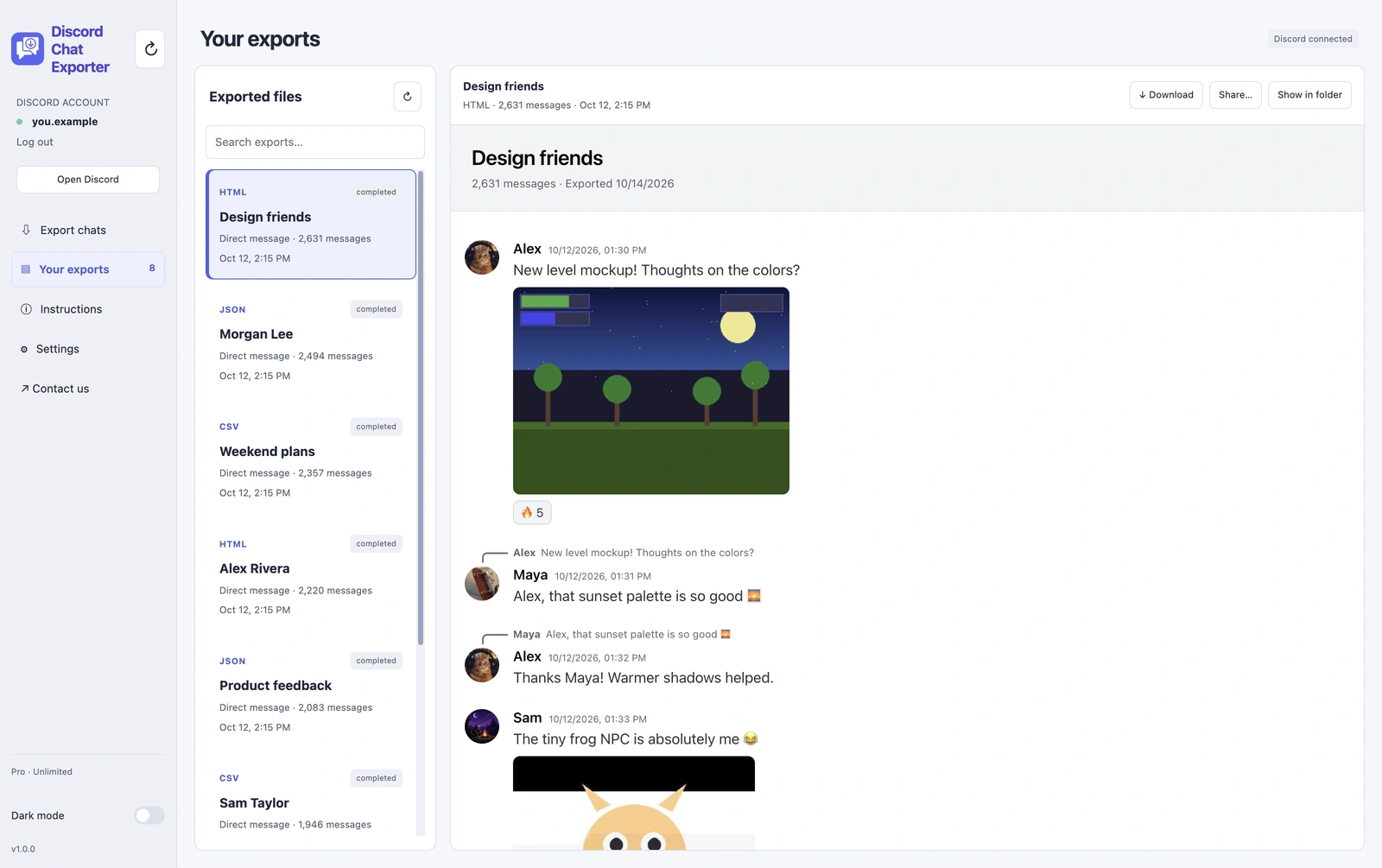
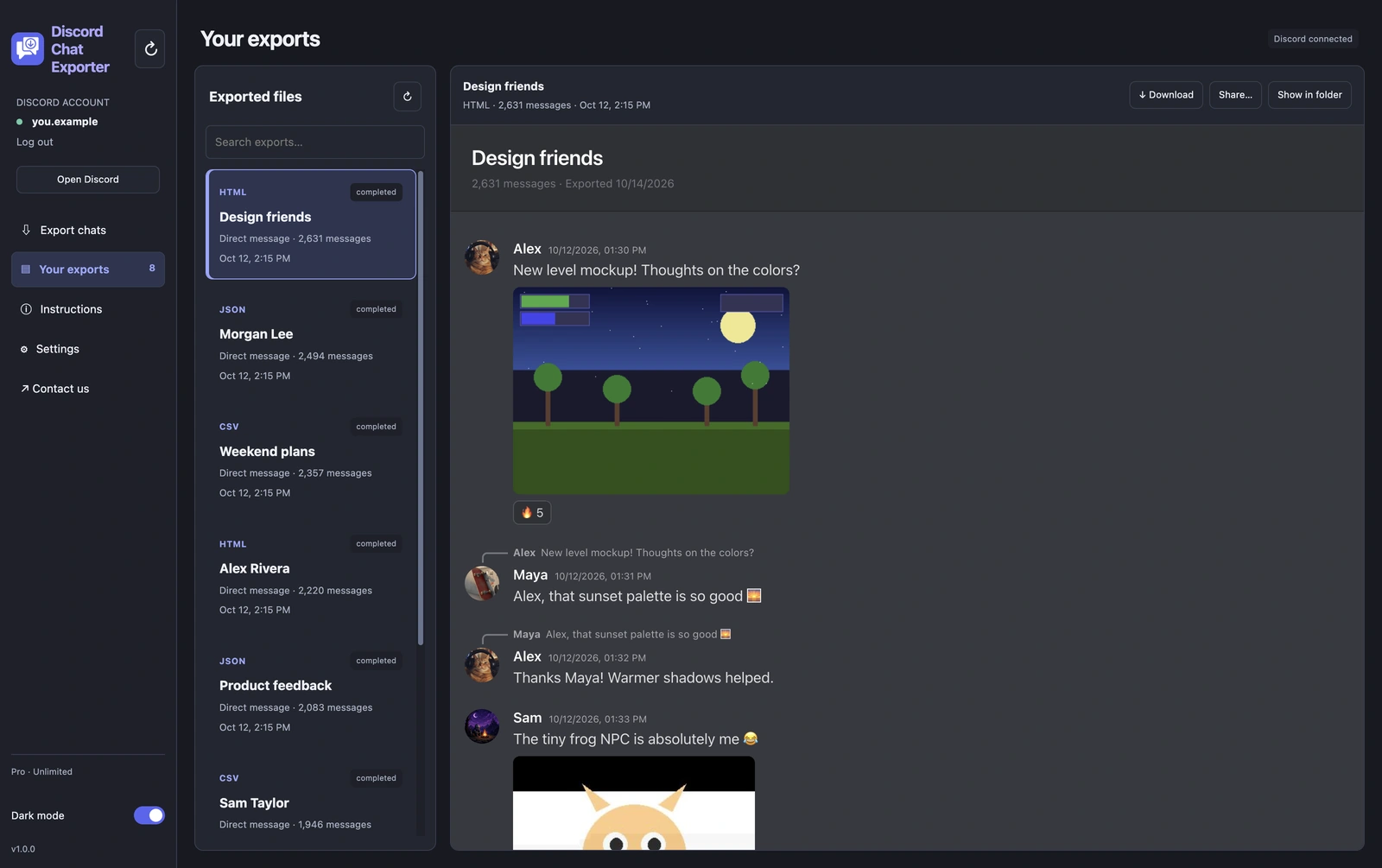
If a conversation matters, like plans, receipts, or proof of something someone said, export it while it’s still there. An export is a file on your device, so later deletions in Discord don’t affect it. An HTML export looks just like the original chat.
On iPhone & Android
Step 1 Open Discord Chat Exporter
Install Discord Chat Exporter from the App Store or Google Play and open it. The app guides you through setup.
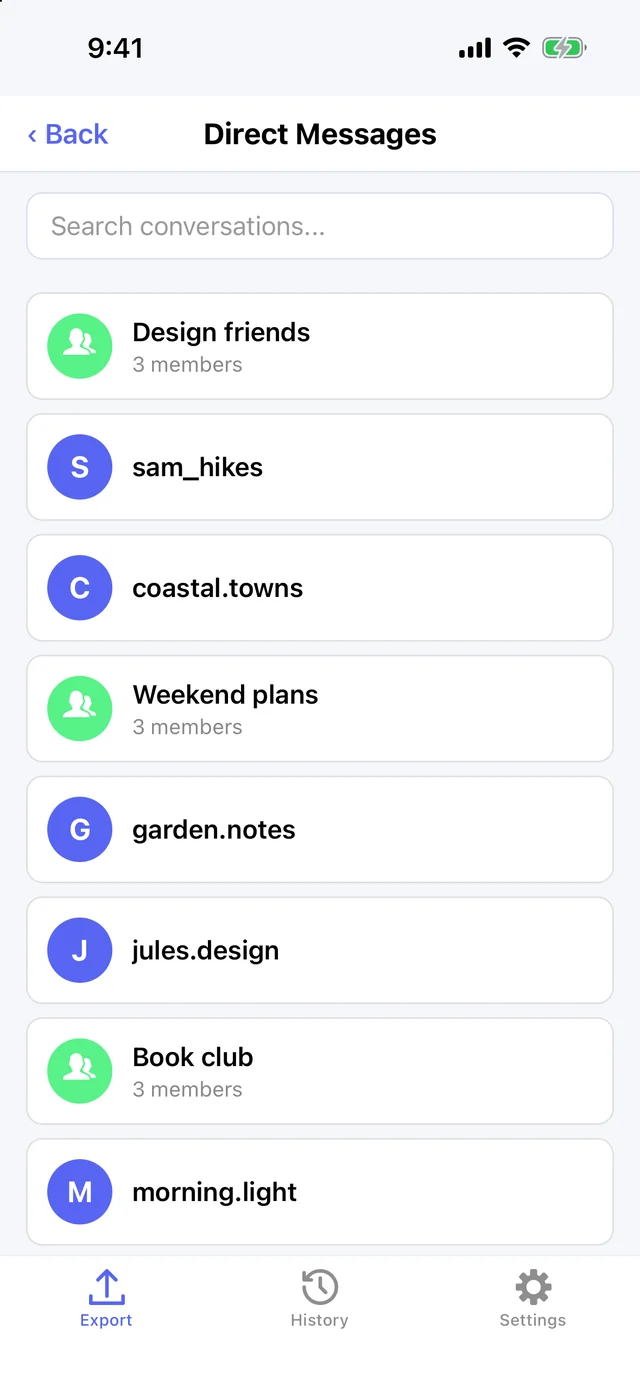
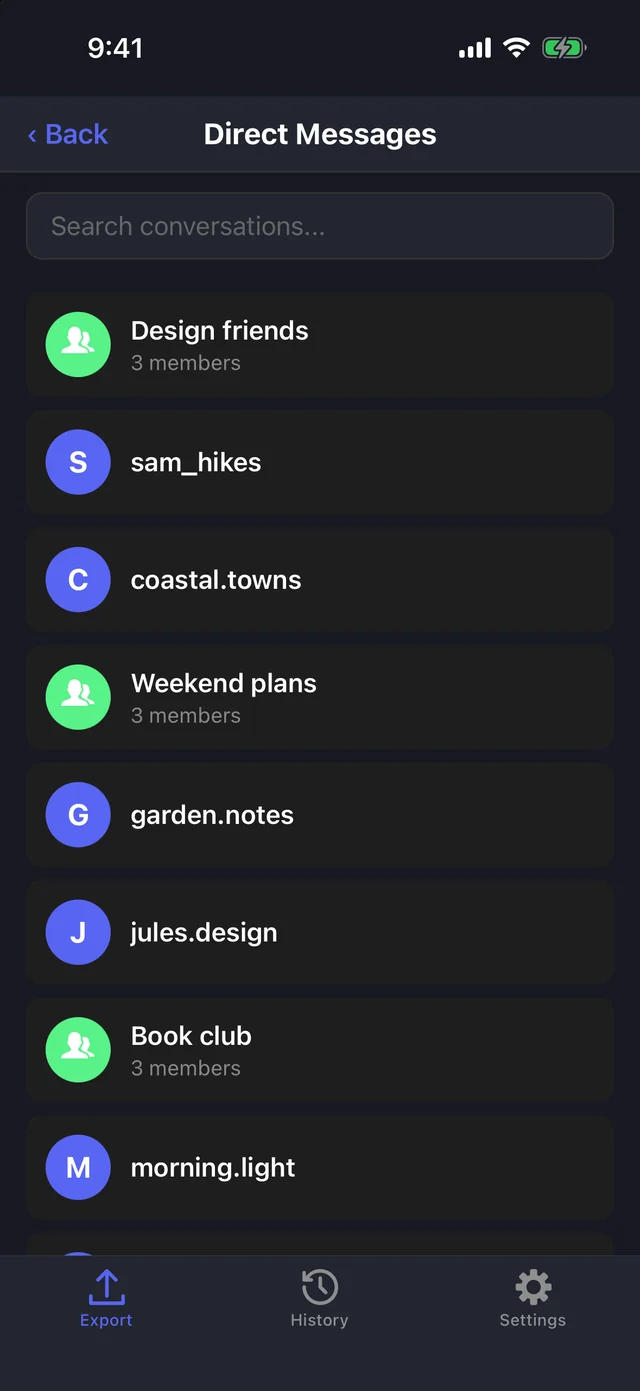
Step 2 Choose a chat
Tap Direct Messages or Servers and pick a DM, group chat, or server channel.
Step 3 Choose a format
Pick HTML, JSON, or CSV.
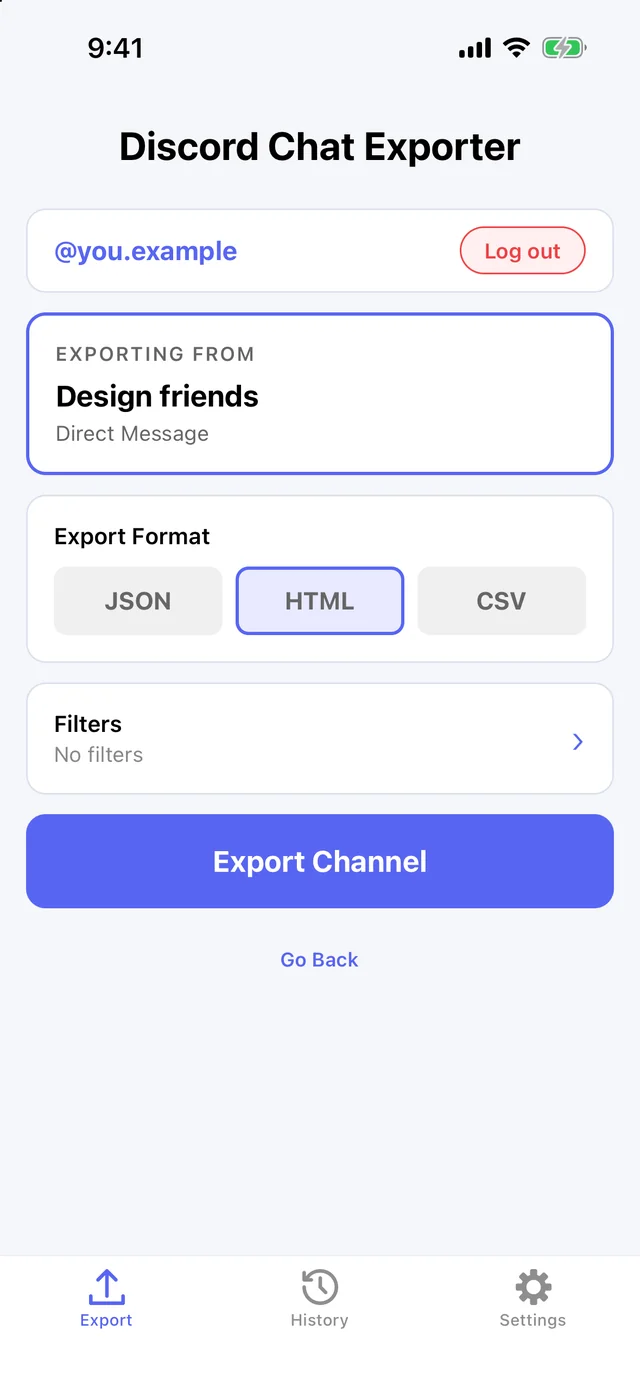
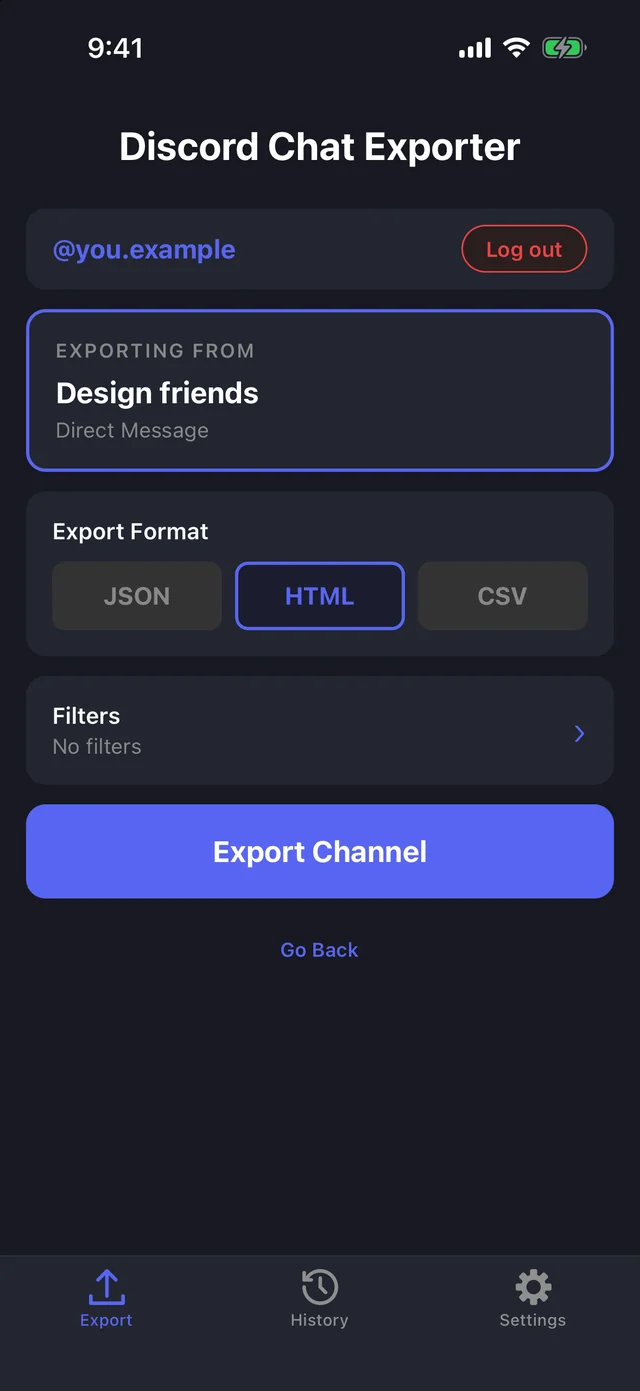
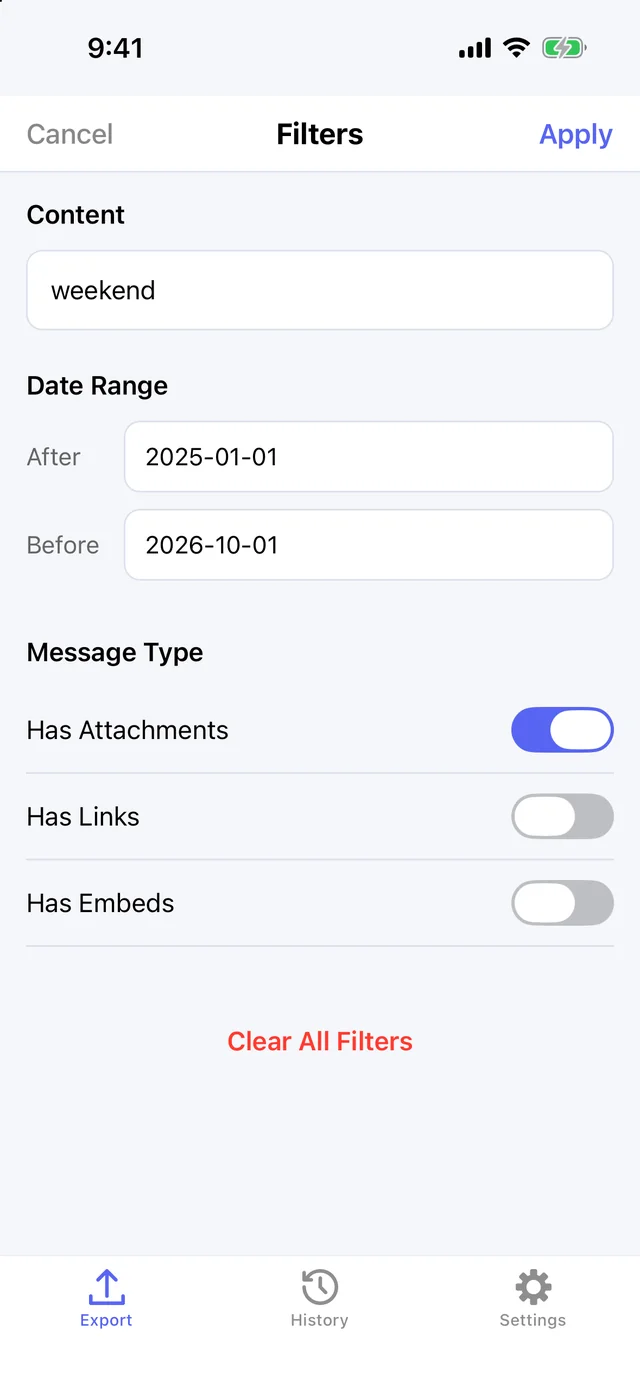
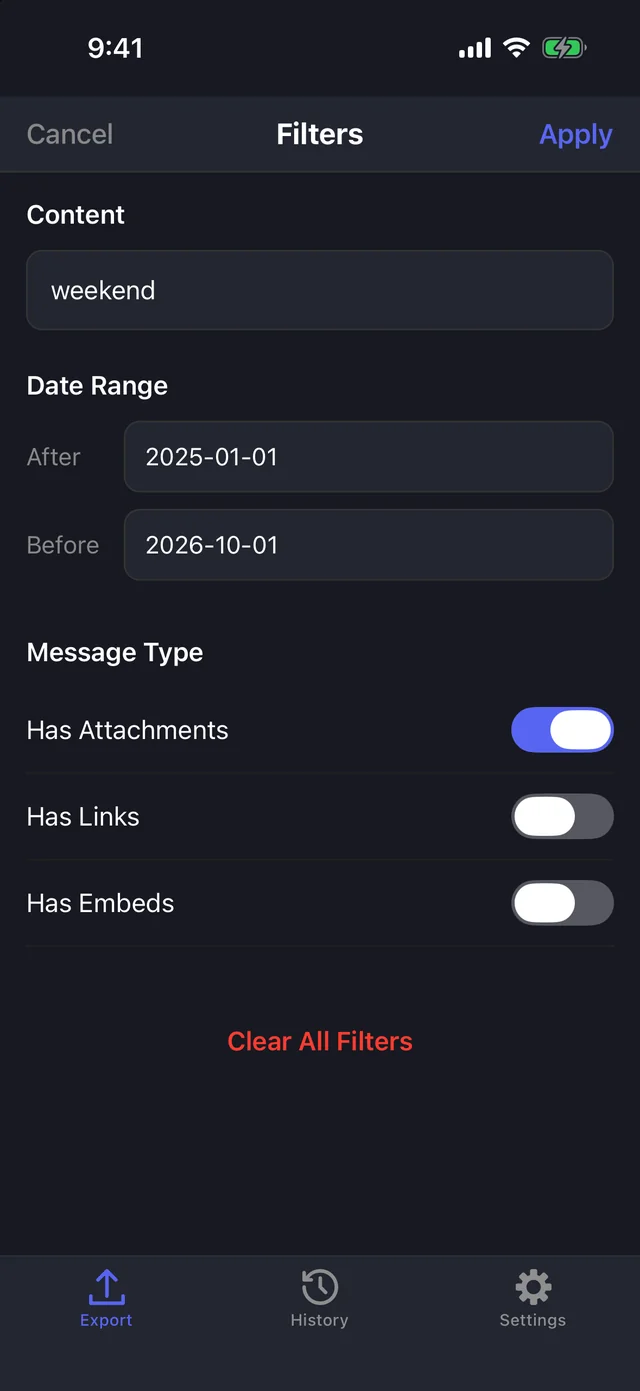
Step 4 Add filters (optional)
Tap Filters to export only messages containing a word, from a date range, or with attachments, links, or embeds.
Step 5 Export
Tap Export. Keep the app open while it fetches every message from every person in the chat. Pause any time.
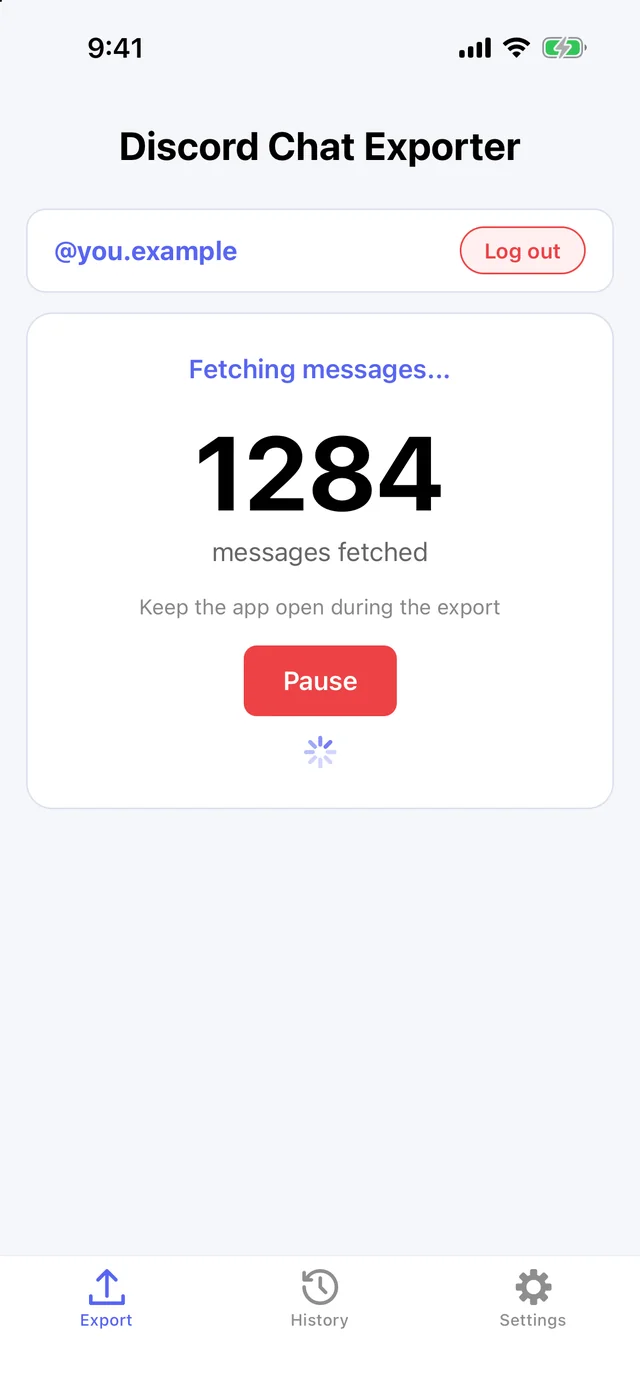
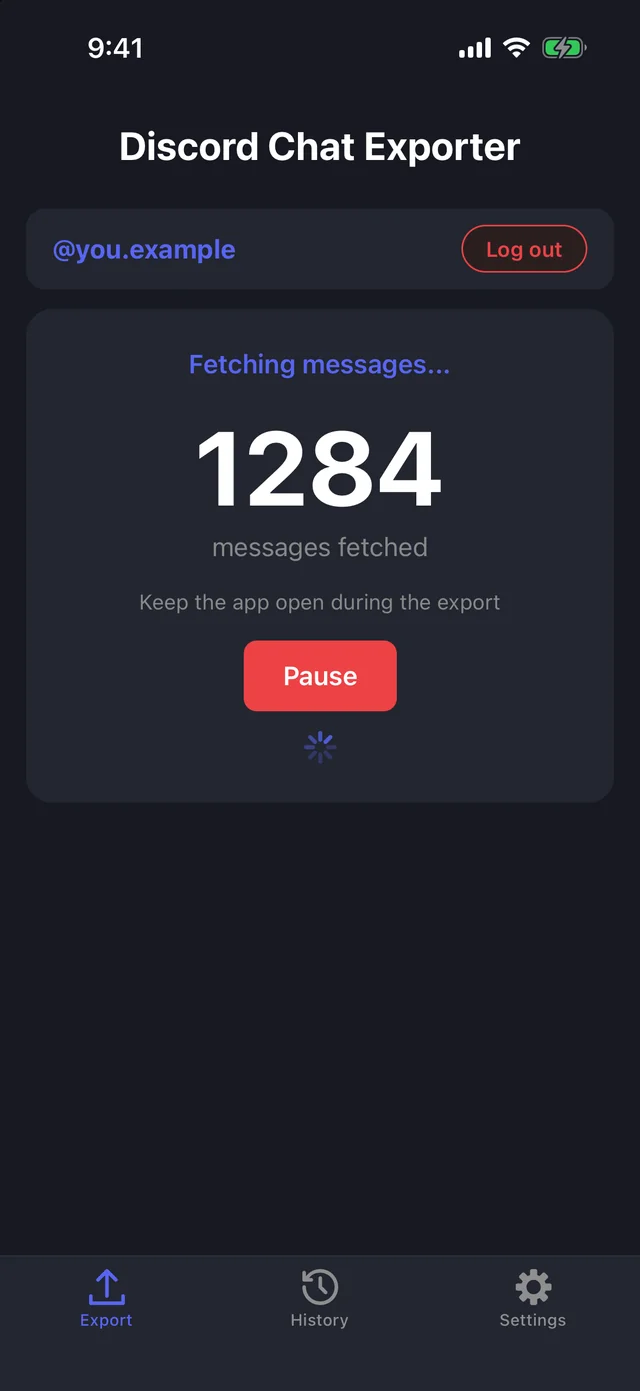
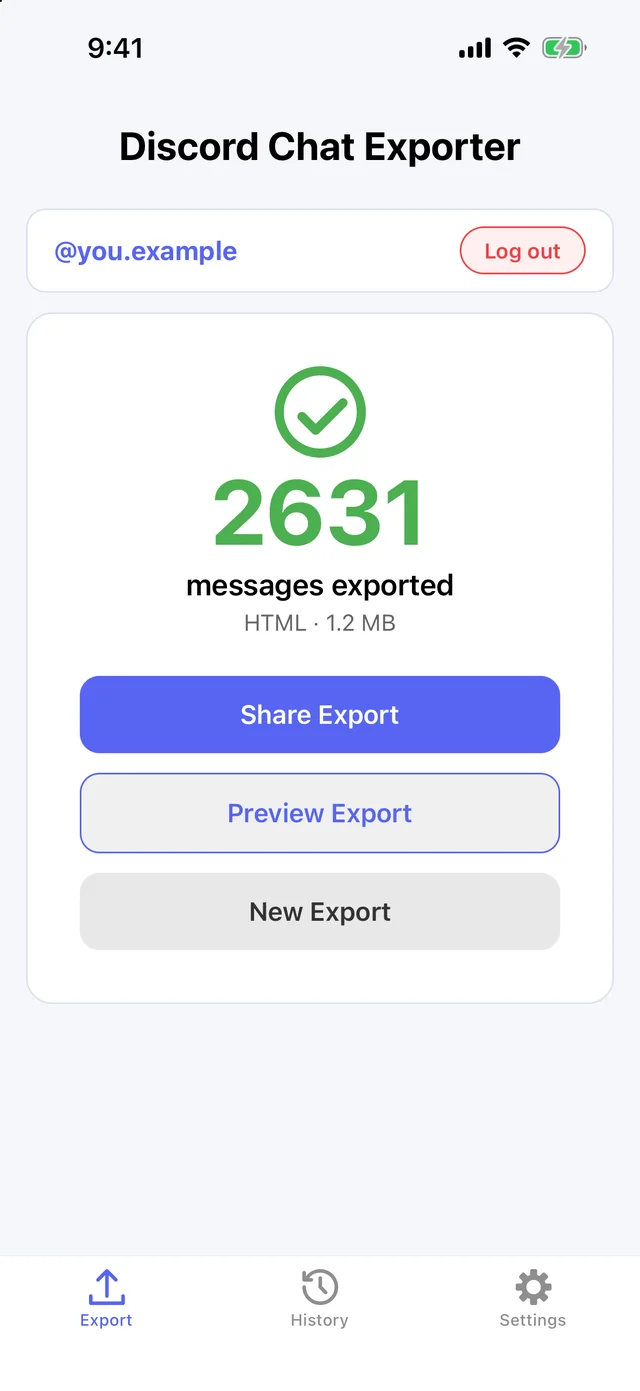
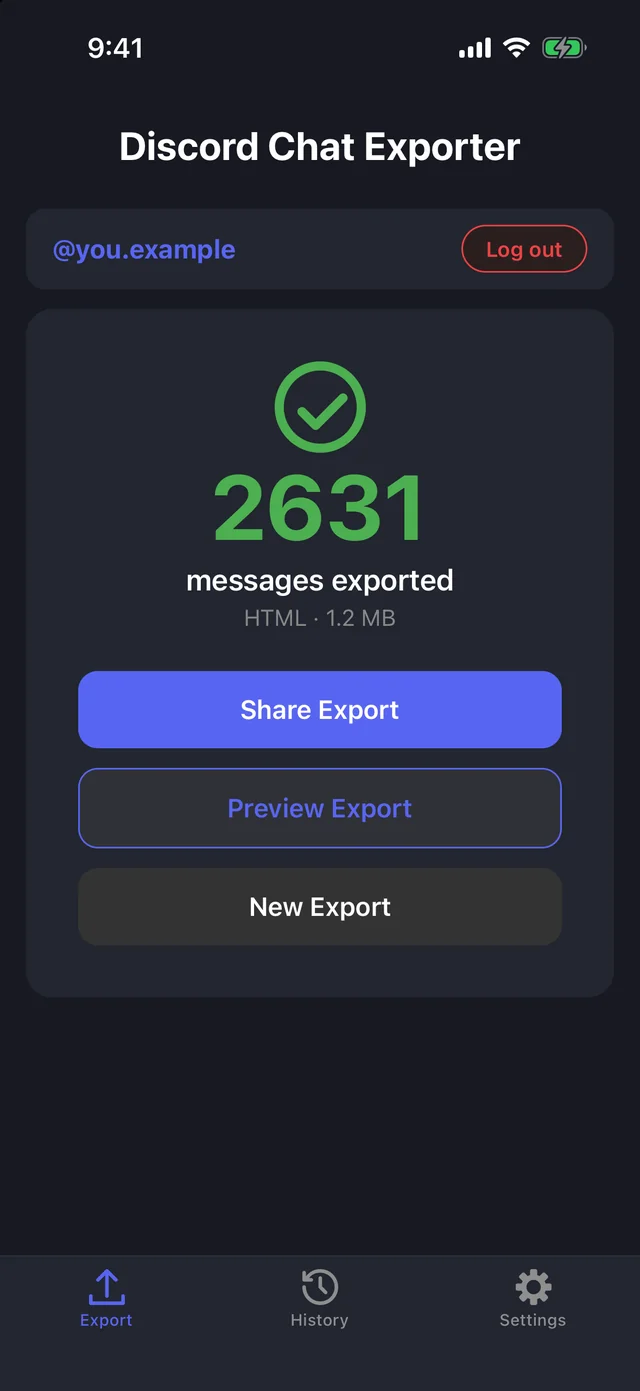
Step 6 Share or preview it
When it’s done, share the file or preview it. Every export is also saved in History.
On Mac & Windows
Step 1 Open Discord Chat Exporter
Get Discord Chat Exporter Desktop for Mac or Windows, open it, and enter the license key from your purchase email.
Step 2 Choose your chats
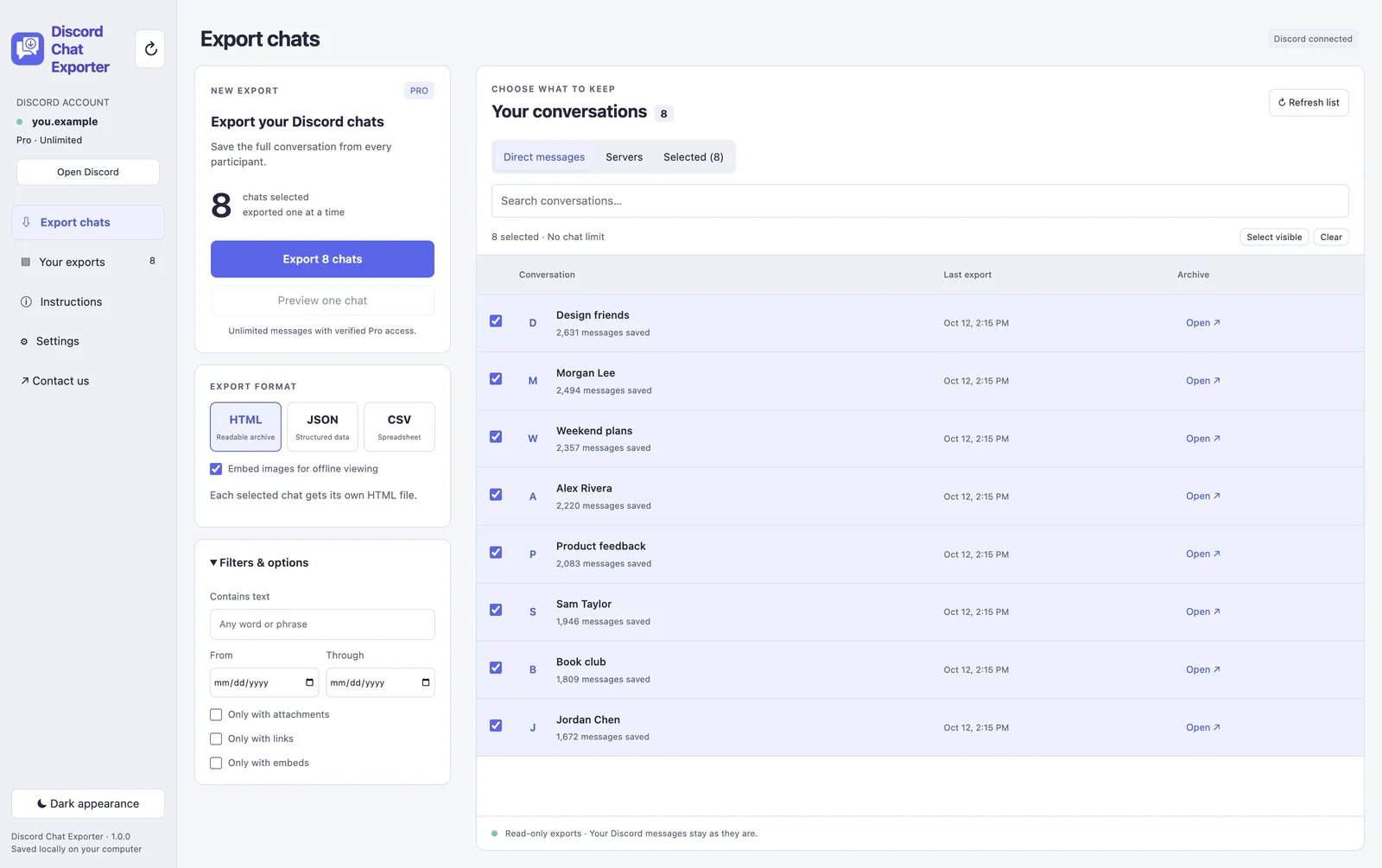
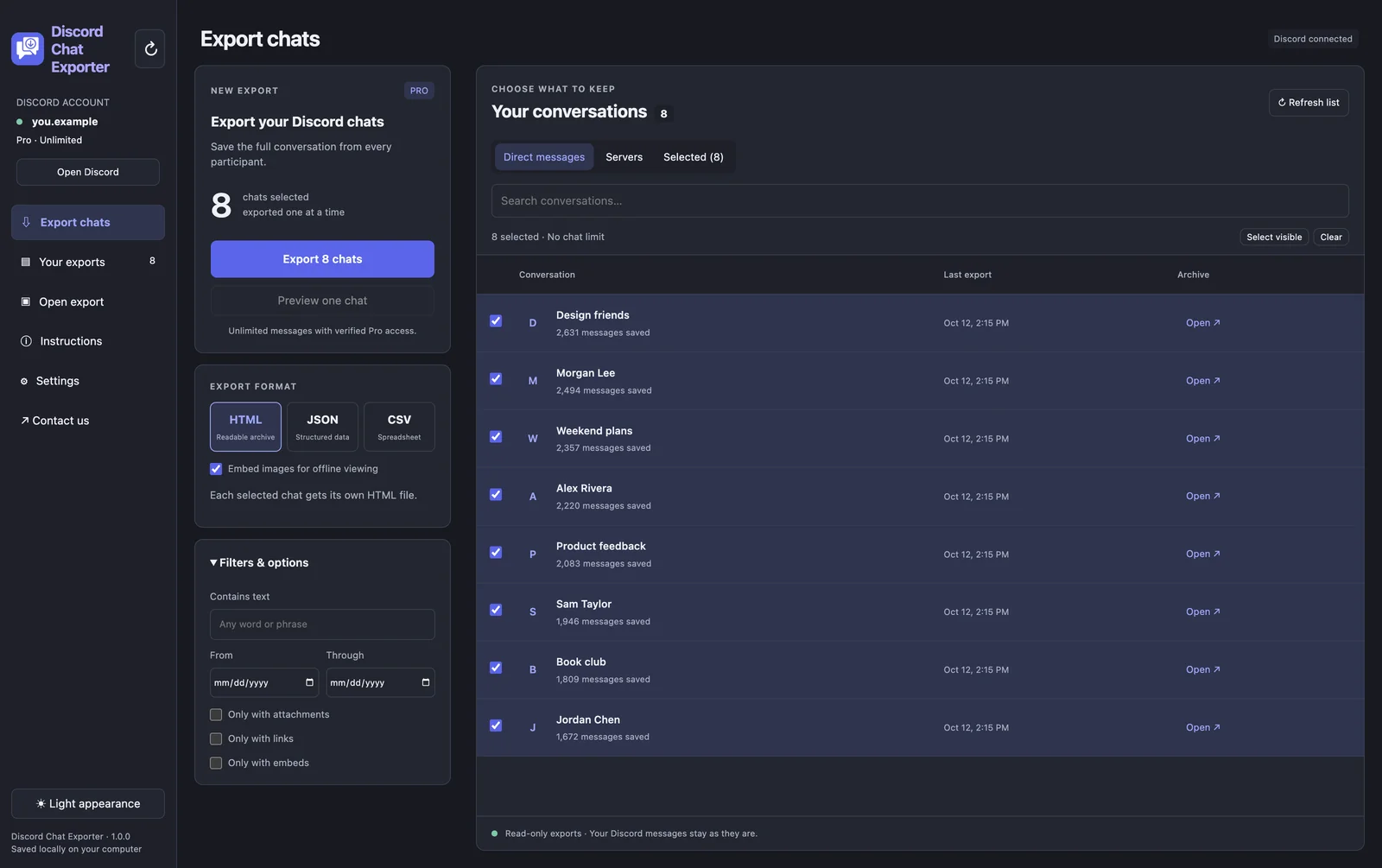
Under Direct messages or Servers, tick the chats you want. To export everything, click Select visible to select every chat in the list.
Step 3 Choose a format and filters
Pick HTML, JSON, or CSV. Under Filters & options, optionally keep only messages containing a word, from a date range, or with attachments, links, or embeds.
Step 4 Click Export
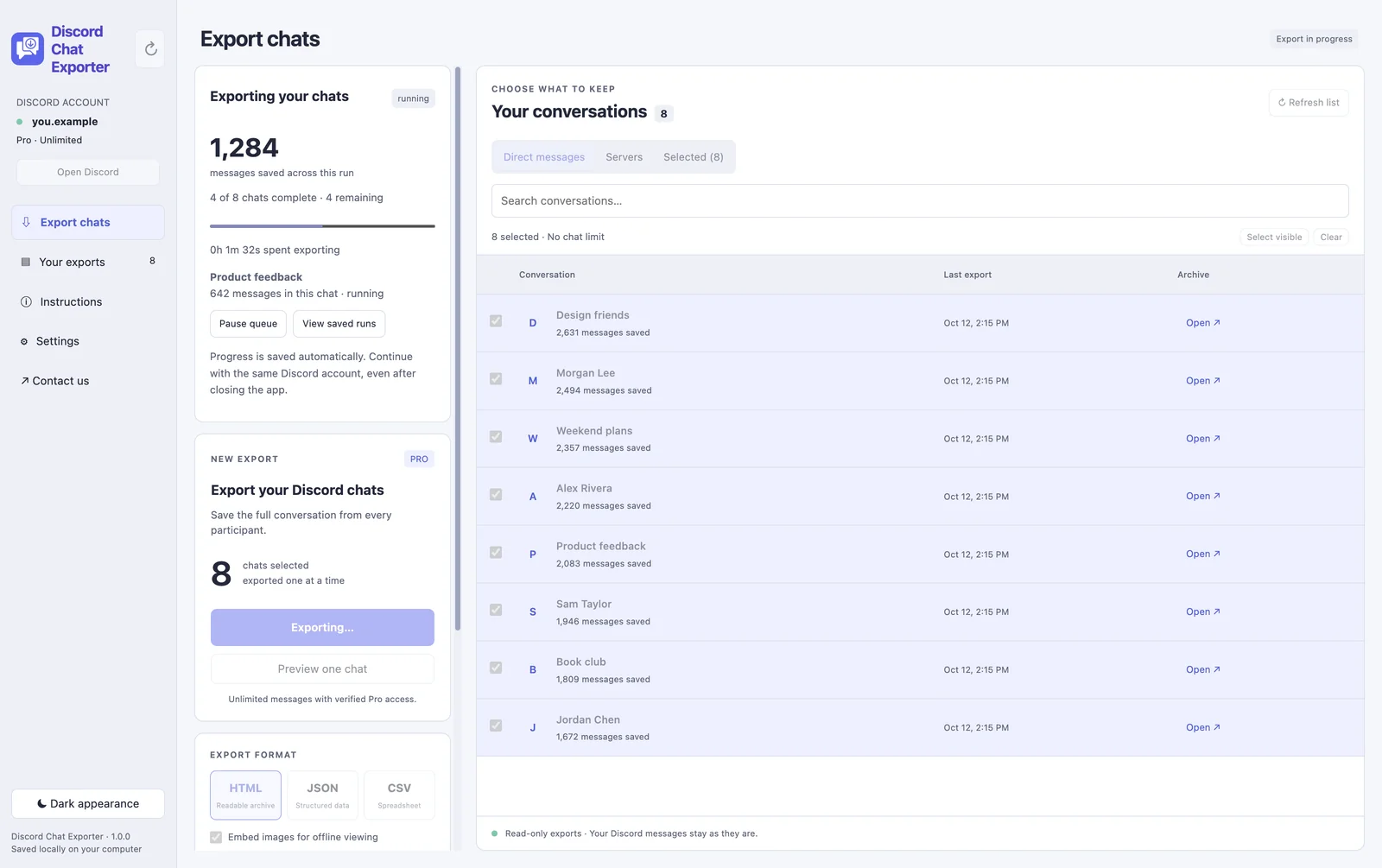
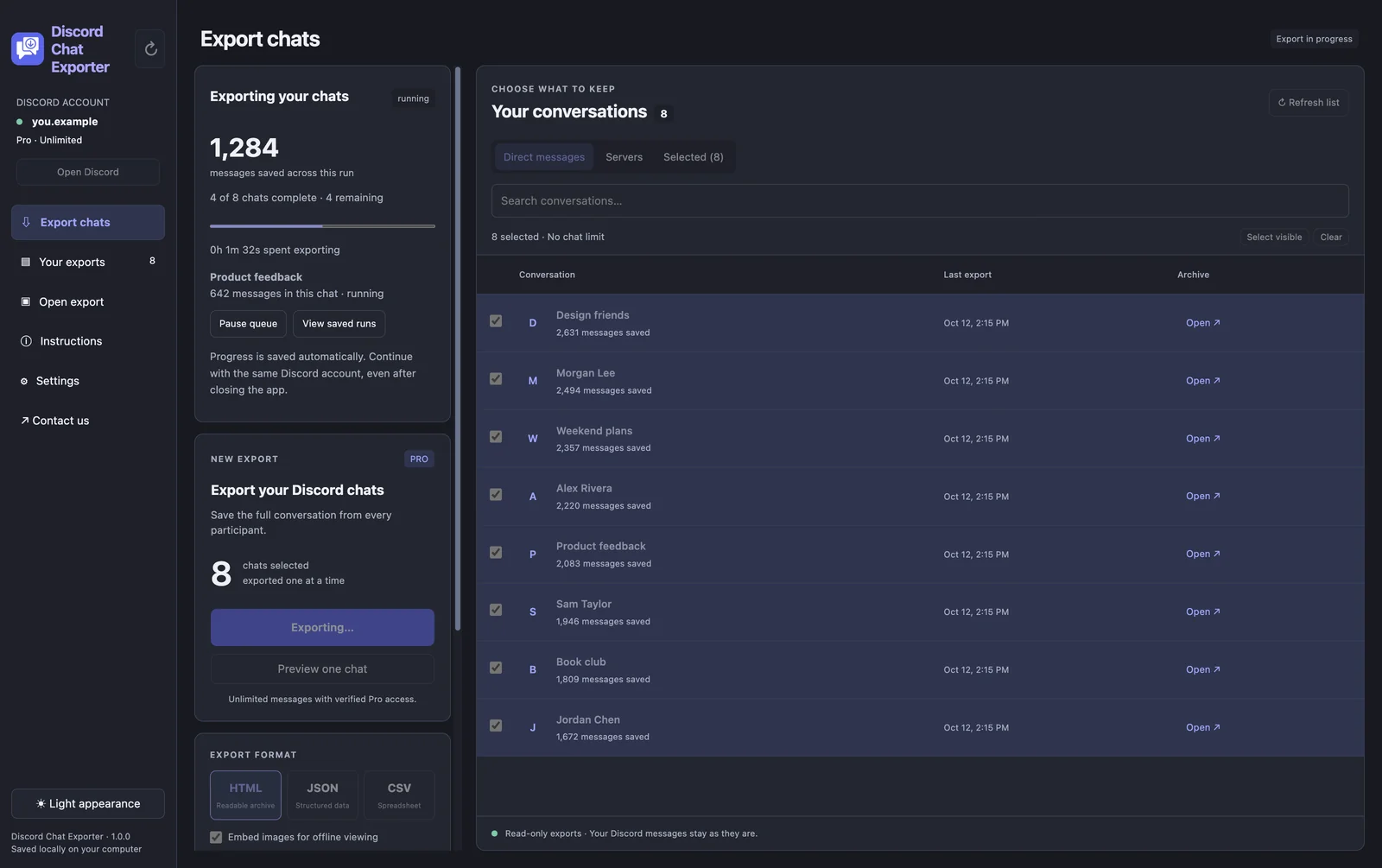
Click Export. Each chat is exported one after another, with a live message count. Pause the queue any time; progress is saved, even if you close the app.
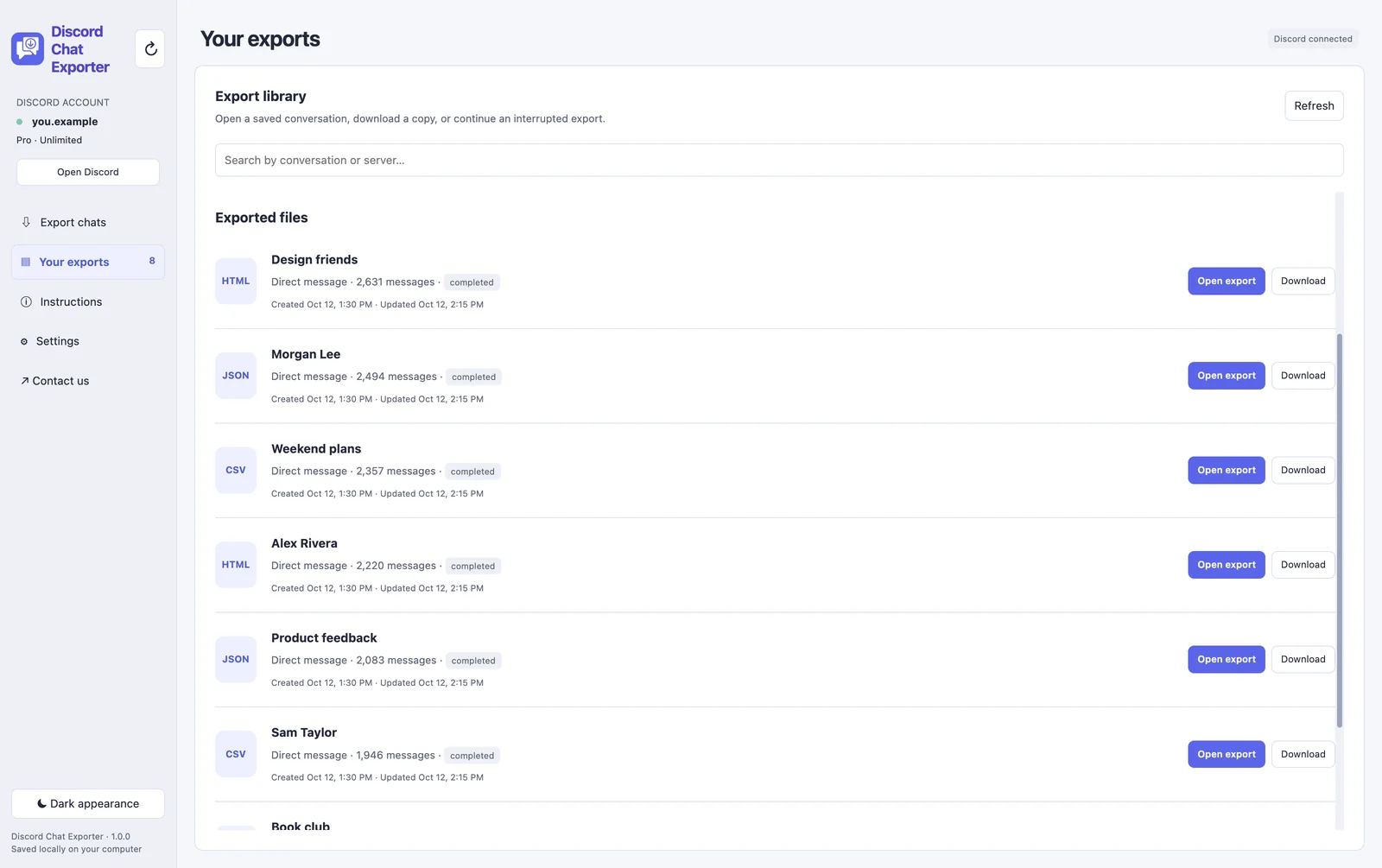
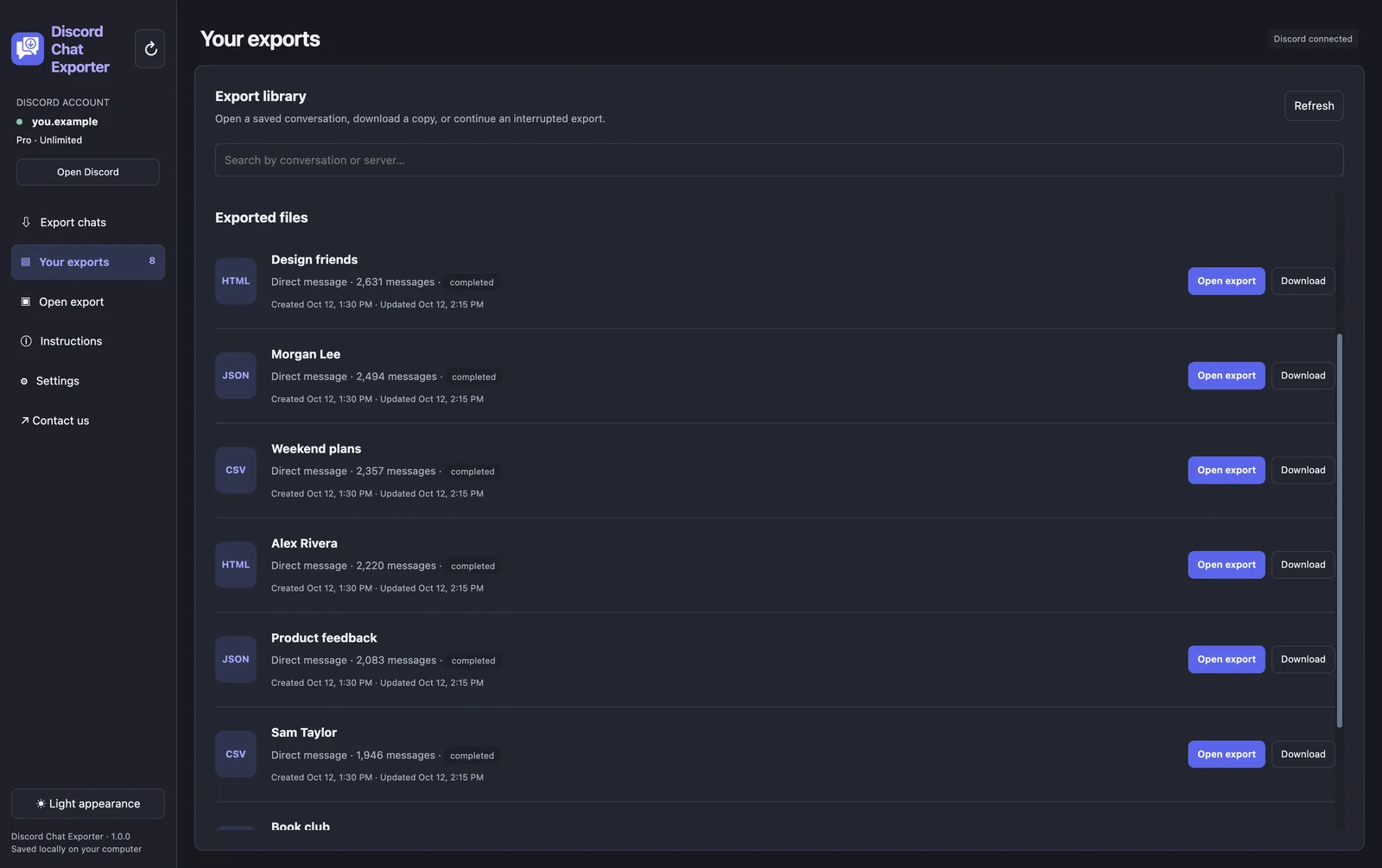
Step 5 Open your exports
Every finished chat is listed under Your exports. Open it in the built-in viewer or download a copy.
Export your Discord chats with Discord Chat Exporter
Export all your Discord chats in one click, to HTML, JSON, or CSV with images. On iPhone, Android, Mac, and Windows.


Frequently asked questions
Can I recover a deleted Discord message?
No. Discord doesn’t offer any way to restore deleted messages.
Can someone see my deleted Discord messages?
Not in Discord. They’d only have it if they screenshotted it, exported the chat, or a logging bot recorded it in a server.
Does Discord keep deleted messages?
Discord doesn’t make them available to users. You can’t see them in the app or in your data package.
Is it safe to use a message logger?
Message logger mods break Discord’s terms and can get your account banned.